Ableton Workflows
Access to full class video + session downloads
This session will focus on:
- How to Flow in Ableton
- Studio Templates
- MIDI Mapping Templates
- Essential Shortcuts
- Project Managment
- Momentum Killers
- INCLUDED: Gate Slicing Template
- INCLUDED: Session Live Looping Template
- INCLUDED: Break Bus Driver Audio Effect Rack
*Latest Version of Ableton Suite is required
$25.00
First 20 minutes from class
Ableton Workflows Overview
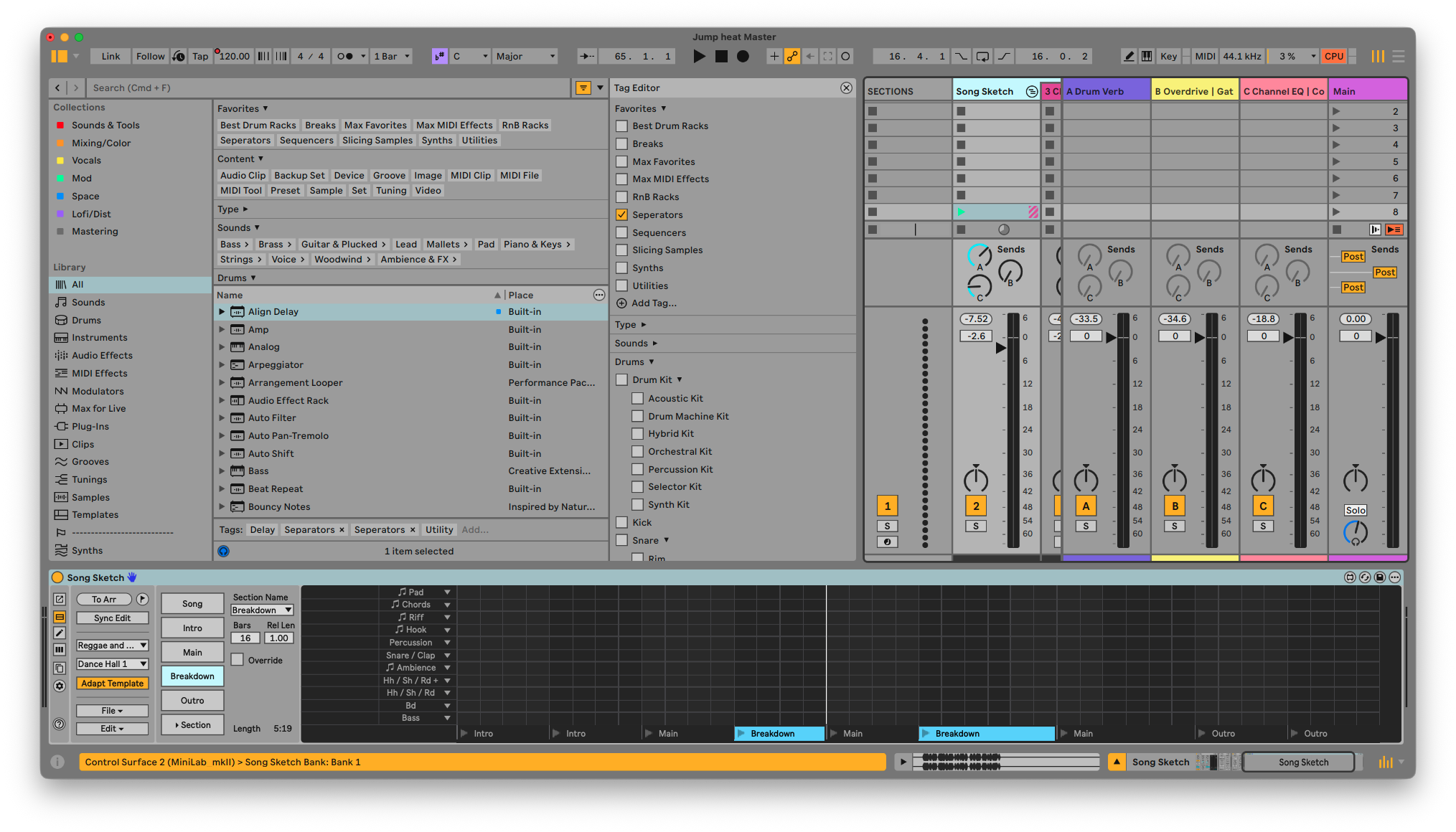
In this workshop, we focus on one of the most overlooked but powerful aspects of music production: workflow. Not just what you make in Ableton Live, but how you make it, how fast you can move, and how easily you can capture ideas before they disappear.
Creating great music isn’t only about sound selection or theory. It’s about removing friction between your ideas and your execution. When your setup supports you, you stop thinking and start flowing. That’s where the best work happens.
We’ll explore how to build a production environment that feels immediate, responsive, and almost instrument-like. From templates to shortcuts to mindset, everything in this session is designed to help you move faster, stay inspired, and actually finish music.
This workshop is about understanding how your workflow shapes your creativity, and how to design a system inside Ableton Live that works with you instead of against you.
How to Flow in Ableton
- Getting Out of Your Own Way: Learn how to reduce decision fatigue and create an environment where ideas can happen instantly. We’ll explore habits and setups that help you stay in a creative state without constantly stopping to think.
- Thinking Like an Instrumentalist: Approach Ableton Live as something you play, not something you operate. Build muscle memory and intuitive control so your ideas translate directly into sound.
Studio Templates
- Start Ready, Not From Scratch: Create powerful default templates that already include your favorite sounds, routing, groups, and effects so you can begin creating immediately.
- Consistency Breeds Speed: Understand how repeating the same structure across projects allows you to move faster and make better decisions with less effort.
MIDI Mapping Templates
- One Setup, Infinite Control: Design MIDI mappings that stay consistent across projects so your hardware always behaves predictably.
- Performance Meets Production: Turn your controller into an extension of your workflow, allowing you to shape ideas in real time instead of relying on the mouse.
Essential Shortcuts
- Speed is a Skill: Master the key commands that eliminate friction and keep you in motion.
- Reducing Micro-Interruptions: Avoid breaking your flow for small actions. The goal is to stay focused on music, not menus.
Project Management
- Finishing is a System: Learn how to organize projects, versions, and ideas so nothing gets lost and everything can evolve.
- From Chaos to Clarity: Build a structure that allows you to revisit old ideas, develop them quickly, and actually complete tracks.
Momentum Killers
- What’s Slowing You Down: Identify the hidden habits and setup issues that break your flow without you realizing it.
- Protecting the Creative State: Learn how to recognize when momentum is slipping and how to recover quickly without abandoning the session.
Any previous experience with Ableton Live will help, but this workshop is designed for all levels. Whether you’re just getting started or already producing at a high level, you’ll leave with a refined workflow, faster decision-making, and a system that allows you to create music more freely, more consistently, and with far less friction.
Gate Slicing Template
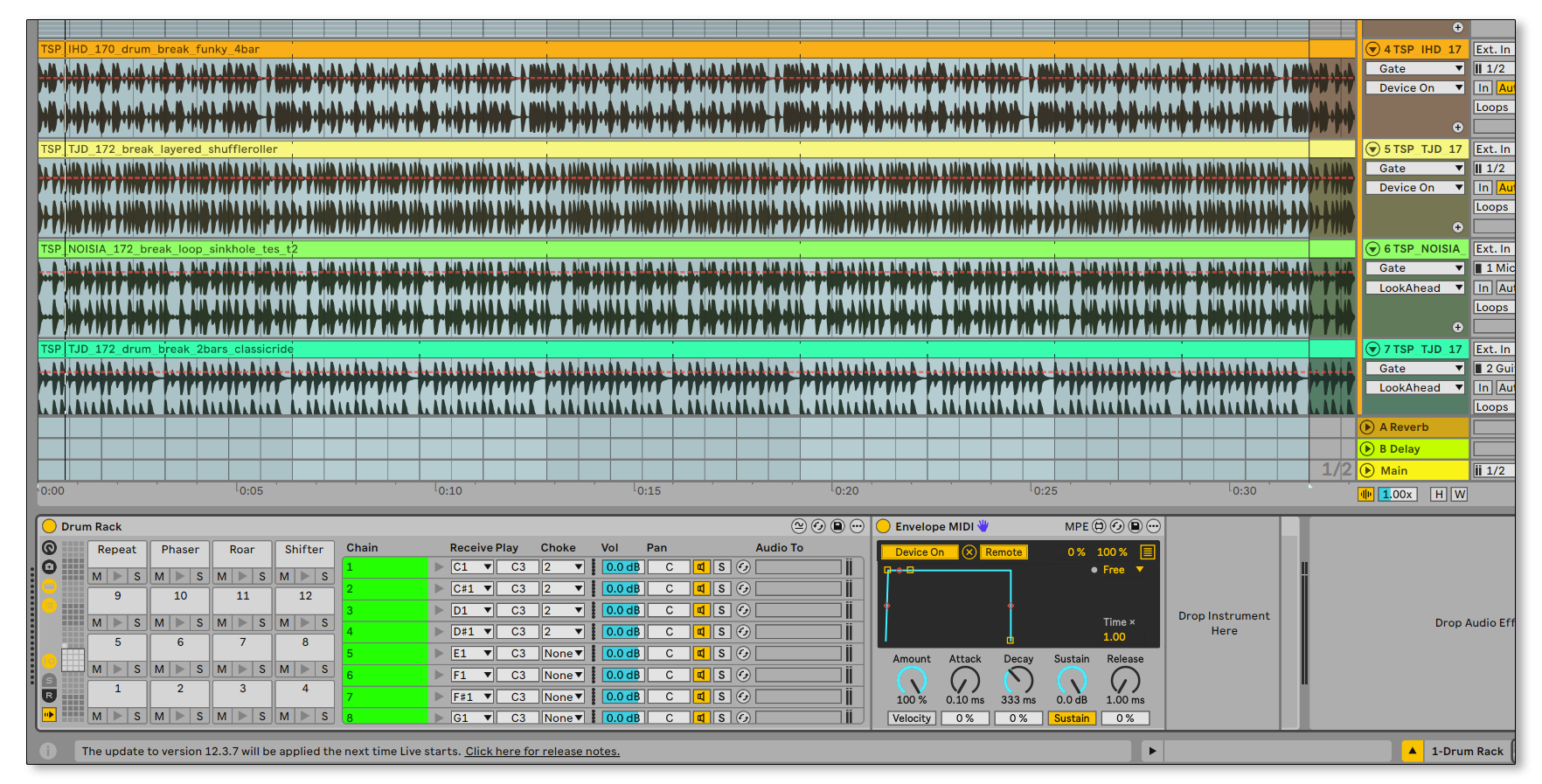
Included with this session is a template for Gate Slicing, a technique that let's you sequence mutes of various loops for combination of drums, bass, chords and other melodic and fx elements in a seamless and easy way all from one drum rack. Check out an example of this template HERE.
Session Live Looping Template
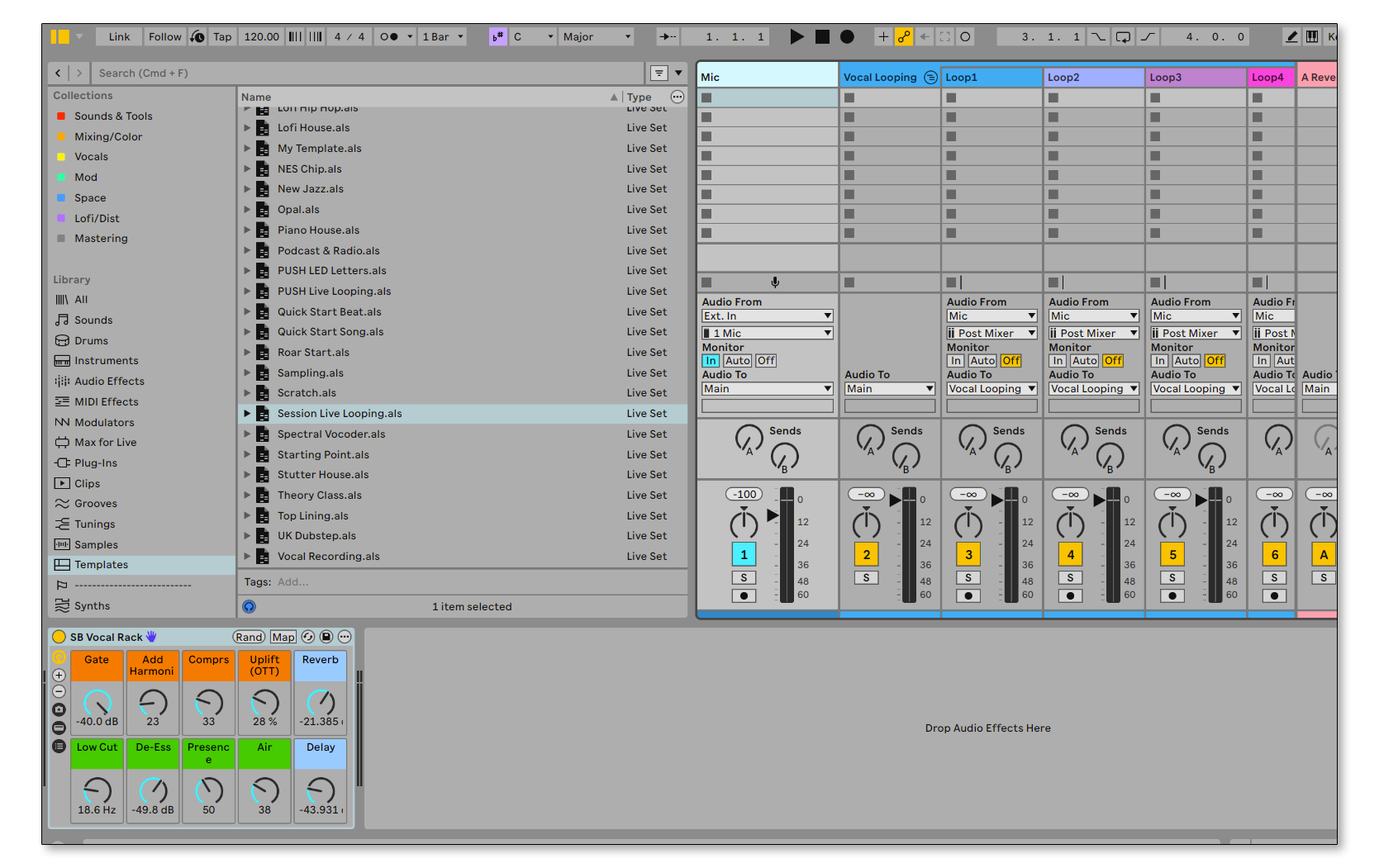
A template you can drag to any project that allows for Session live looping where each loop is in a separate track allowing for post processing of fx.
There is also a custom vocal audio effect rack on the main Mic track you can save to your User Library.
Break Bus Driver

An exclusive Audio Effect Rack you can use on all your breakbeats tracks and/or Drum groups.
This rack combines saturations, compression, short reverbs, rhythmic delays and transient shaping.
This rack will make your drums sounds fatter and fuller.
Macros:
Drive – Waveshaping distortion from the Drum Buss
Crunch – Mid/High Distortion
GAINNN – Controls the makeup gain of the Glue Compressor before the last stage of Soft and Hard Clipping
Saturate – Analog Drive before final clipping
Room Space – Drums Plate reverb
Groove Echo – Syncopated 1/4 notes for added groove
Tilt Filter – Tilt EQ to adjust the balance of the highs and lows
Comp – Last compressor stage
Referencor
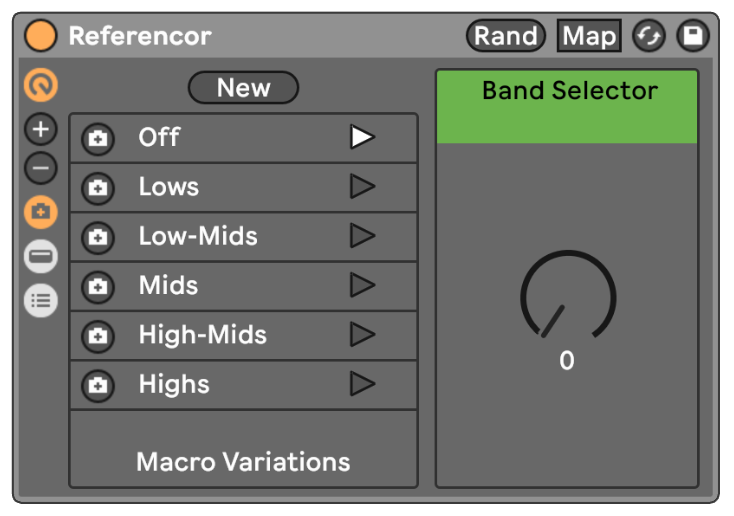
Utility Rack for advanced referencing, allowing for fast isolation of different frequency bands.
What's Included with this session
- 2+ hours of Ableton Certified Training Video
- Gate Slicing Template
- Session Live Looping Template
- Break Bus Driver Audio Effect Rack
- Referencor Audio Effect Rack
- PDF with a list of essential tutorials, keyboard shortcuts, max for live devices and tools
ABOUT THE INSTRUCTOR
Yeuda Ben-Atar, a world renowned Ableton Certified Trainer, hails from Los Angeles, California. Originally from Israel, Yeuda’s passion for music led him to the United States, where he discovered his true calling with Ableton Live in 2007, embarking on a journey of mastery.
He approaches Ableton in a unique way; producing and performing with video game controllers under the moniker Side Brain.
One of Yeuda’s most remarkable qualities is his exceptional knowledge and speed, combined with his unparalleled ability to explain complex concepts in a simple and engaging manner.
With years of experience as a music production instructor and educator, Yeuda has contributed his expertise to prestigious institutions throughout the United States, including USC, UCLA, UCSD, Colburn Music School, Berkley School of Music, Cal Arts, NAMM, Skywalker Sounds, Bedrock LA, Sonos Studios, Sweetwater Headquarters, 1500 or Nothing studios, Grammy U, Pensado’s Place, Vintage King, Museum of Making Music, Lynda.com (now known as Linkedin Learning), and Perfect Circuit Audio, among many others.
His projects have included working with and teaching artists such as Timbaland, Ludacris, Lavel Kali(Beyonce, Drake) DJ Numark and Jurassic 5, Beck, Skrillex, Flying Lotus, Ed Sheeran, Rick Rubin, Giorgio Moroder, Simi, Bootie Brown (Pharcyde), Dave Pensado, Madison Mcferrin and countless others.

Ableton Workflows
Access to full class video + session downloads
This session will focus on:
- How to Flow in Ableton
- Studio Templates
- MIDI Mapping Templates
- Essential Shortcuts
- Project Managment
- Momentum Killers
- INCLUDED: Gate Slicing Template
- INCLUDED: Session Live Looping Template
- INCLUDED: Break Bus Driver Audio Effect Rack
*Latest Version of Ableton Suite is required
$25.00