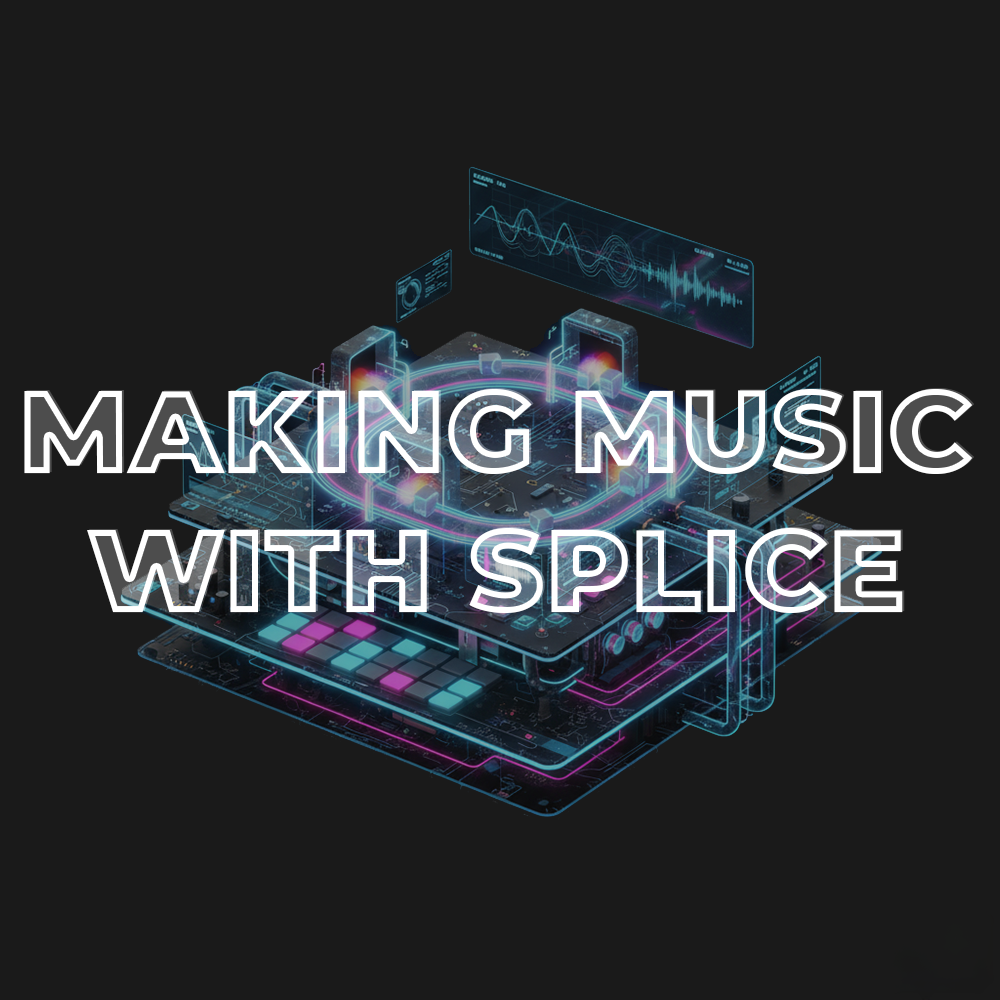
Making Music with Splice
Access to full class video + session downloads
This session will focus on:
- How to Make Original Music with Splice
- Stem Separation
- Gate Slicing
- Loop Blending
- Managing The Splice Library
- Key Matching
- Voice Cloning
- Live 12.3 Splice Integration Tips & Tricks
- INCLUDED: Ableton Project from Class
- INCLUDED: Gate Slicing Template
- INCLUDED: Relative Keys Max for Live Device
- INCLUDED: Track Numbers Max for Live Device
- INCLUDED: Granular Slicing Instrument Rack
- INCLUDED: Master Limiter Preset
*Latest Version of Ableton Suite (12.3 or up) is required
$25.00
First 20 minutes from class
Making Original Music with Splice Overview
In this session, we dive into the new Splice Integration in Ableton Live 12.3 and explore how to turn loops, one-shots, and stems into completely original music. You’ll learn how to pull creative inspiration from Splice without sounding like anyone else, using advanced editing, slicing, separation and loop blending workflows using Ableton Live.
- How to Make Original Music with Splice: Turn loops into fresh ideas instead of relying on them as-is
- Stem Separation: Break full loops into drums, melody, bass and vocals for deeper remixing and sample manipulation
- Gate Slicing: Create rhythmic new parts by chopping and pulsing Splice audio through mute sequencing (Template Included!)
- Loop Blending: Layer, crossfade and morph loops into hybrid textures and musical phrases with custom Max for Live Devices
- Managing The Splice Library: Build a searchable, organized system for fast creative flow
- Key Matching: Match samples to the key of your project instantly and musically and learn how to find the key and chord progression of Splice samples
- Voice Cloning: Use vocal samples as inspiration for generating new unique melodies and phrases with Voice Cloning tools and AI voice generation
- Live 12.3 Integration Tips and Tricks: Hidden workflows, shortcuts and advanced features that make Splice feel native in Live
By the end of this session, you’ll know how to turn any Splice sample into original music, combine loops in creative ways, experiment with granular slicing techniques, and build a creative sampling workflow that feels fast, inspiring uniquely your own and goes far beyond drag and drop.
Ableton Project from Class
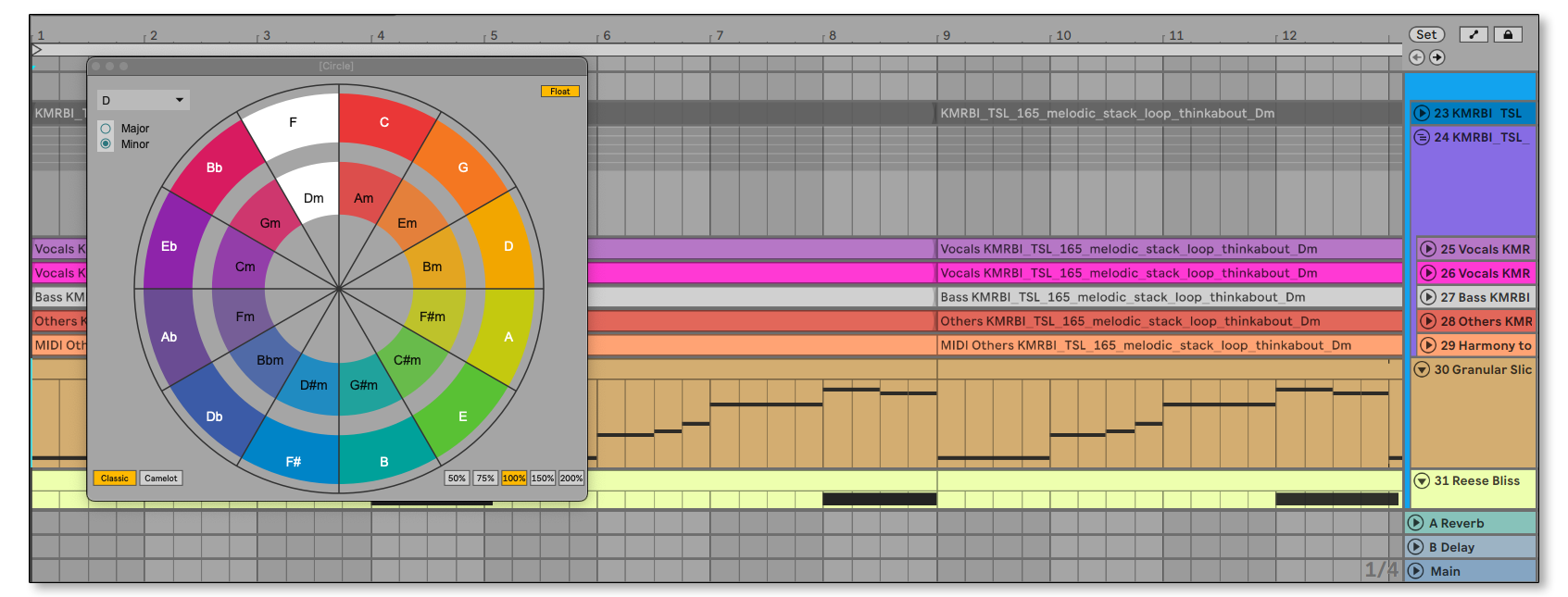
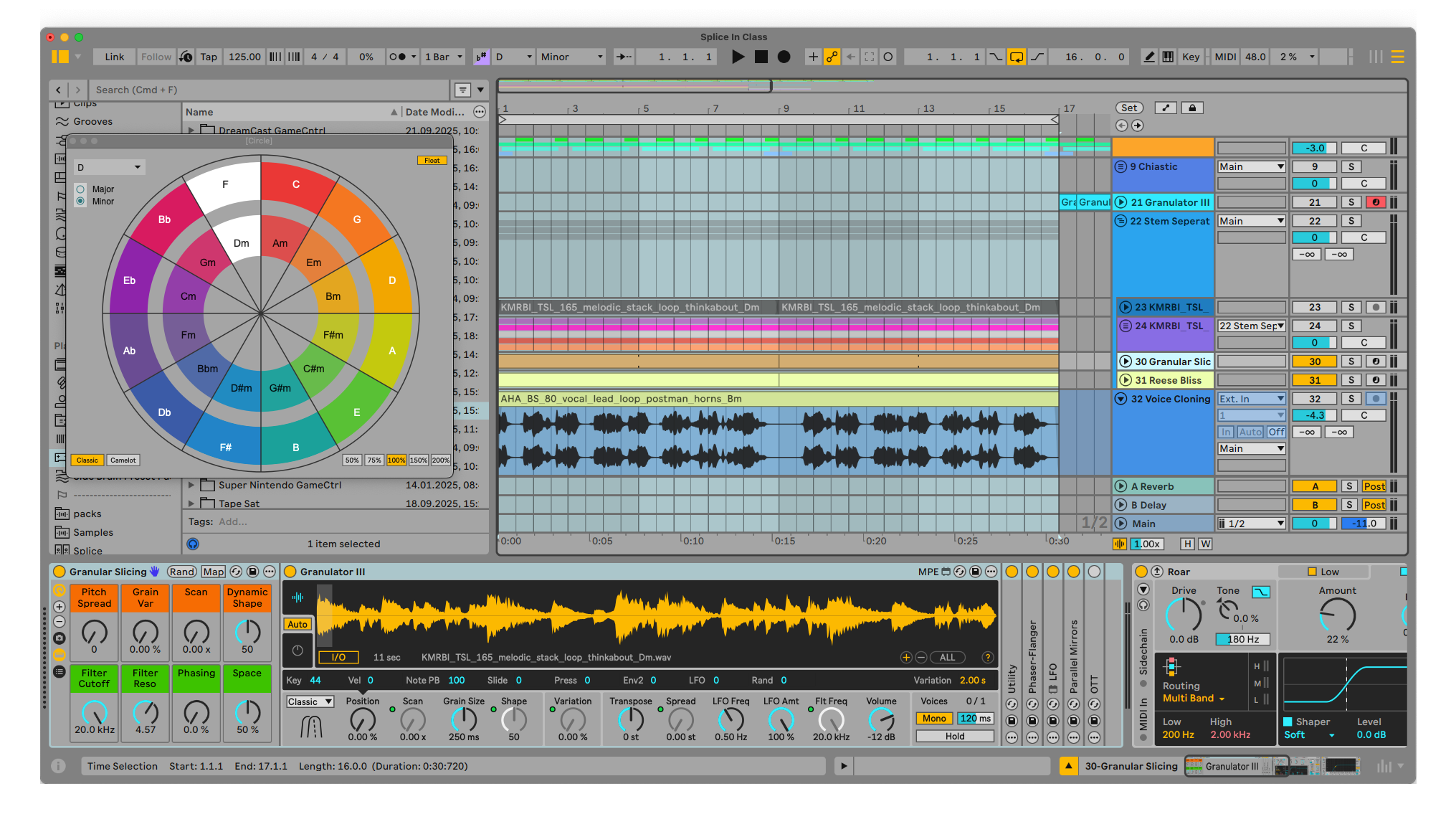
The Ableton project we worked on in class exploring all the techniques we talked about, from drum programming, audio editing, percussion layering, loop blending, granular slicing and much more for you to explore.
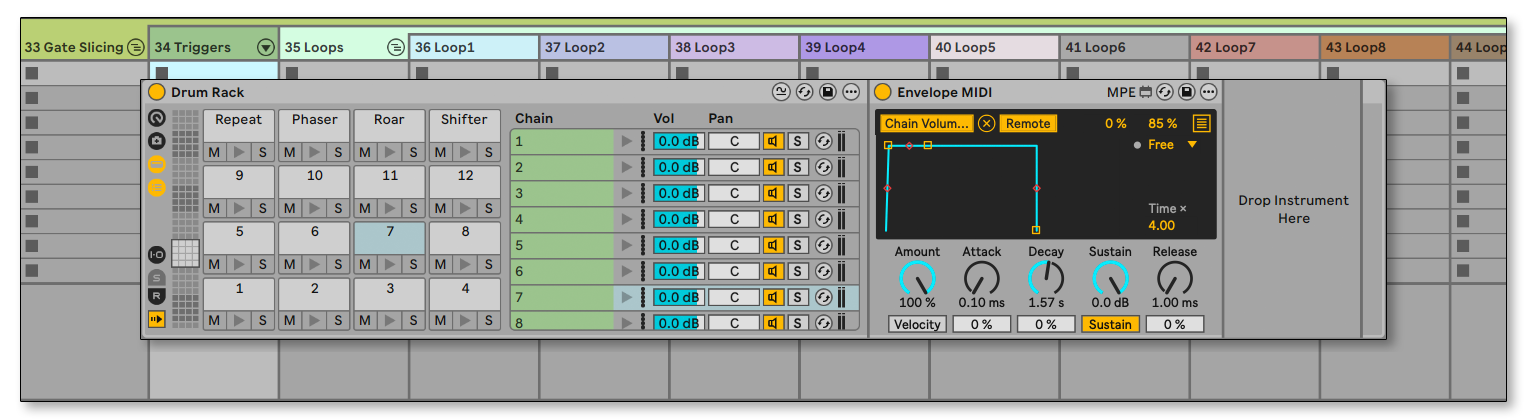
Gate Slicing Template
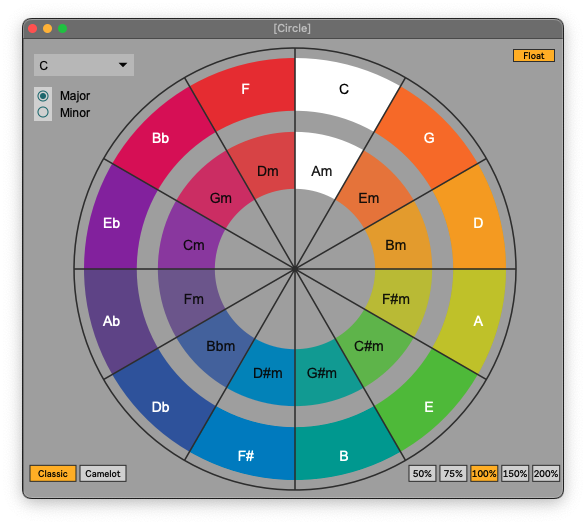
A circle of fifths companion to easily find the realitve keys of samples to know how to transpose them to make Major and Minor scales fit together.
Track Numbers
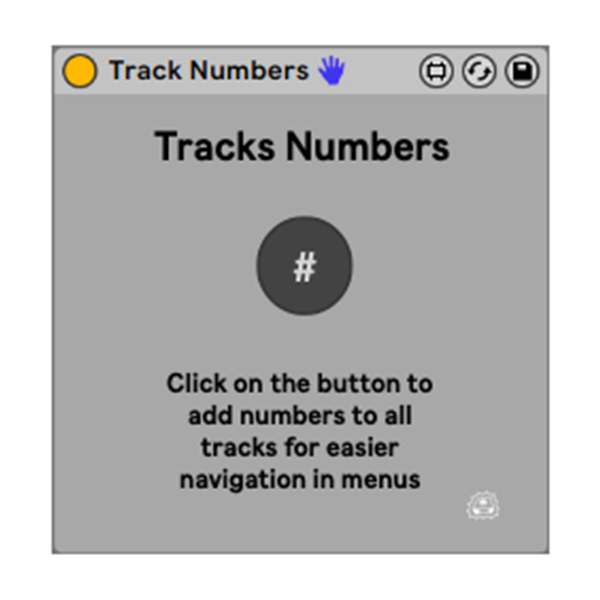
Utility to automatically add smart numbering to all tracks in your project.
You can put it on any track. Once you click the only button on the device all the tracks in the project will be automatically numbered.
The track numbers are dynamic so if you change the position of a track the number will change accordingly.
Granular Slicer
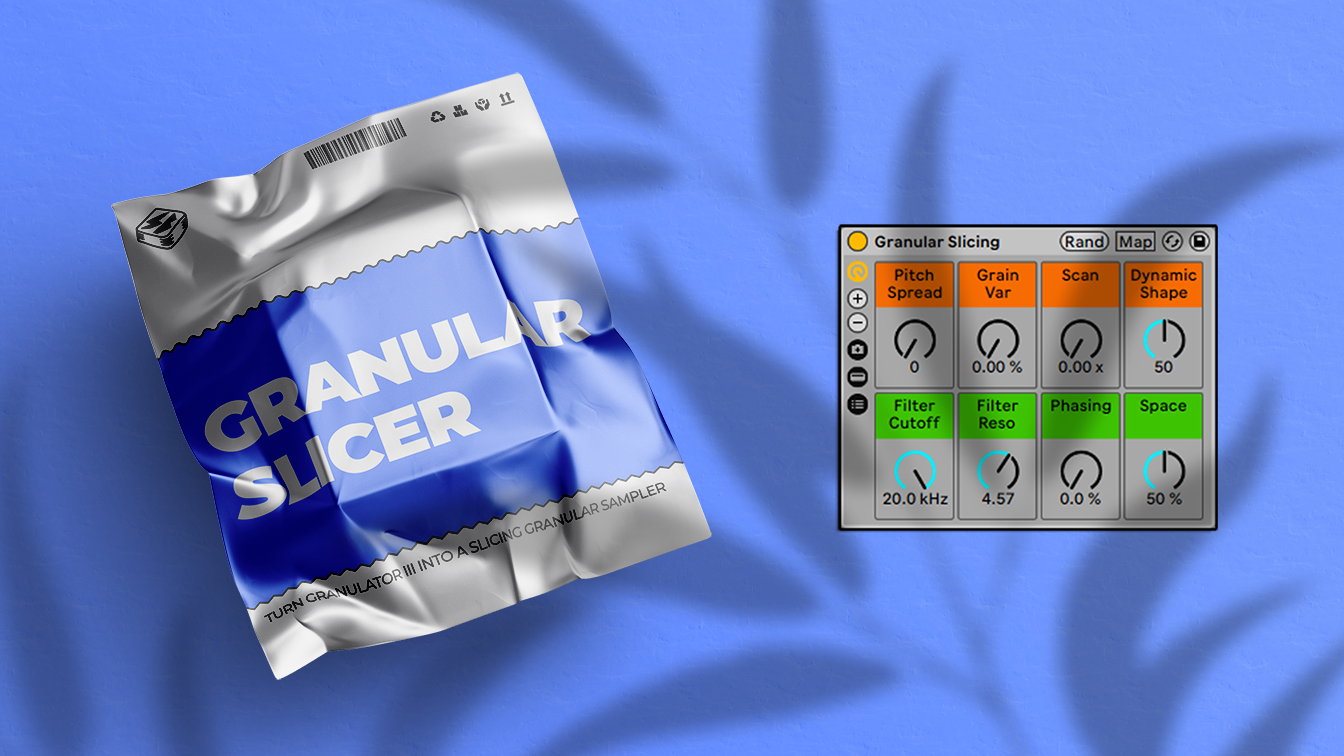
A custom Instrument rack using the Granulator III sampler to turn it into a slicing granular sampler which can be a powerful tool to quickly come up with unique progressions.
Break Bus Driver

An exclusive Audio Effect Rack you can use on all your breakbeats tracks and/or Drum groups.
This rack combines saturations, compression, short reverbs, rhythmic delays and transient shaping.
This rack will make your drums sounds fatter and fuller.
Macros:
Drive – Waveshaping distortion from the Drum Buss
Crunch – Mid/High Distortion
GAINNN – Controls the makeup gain of the Glue Compressor before the last stage of Soft and Hard Clipping
Saturate – Analog Drive before final clipping
Room Space – Drums Plate reverb
Groove Echo – Syncopated 1/4 notes for added groove
Tilt Filter – Tilt EQ to adjust the balance of the highs and lows
Comp – Last compressor stage
Reese Bliss Instrument Rack
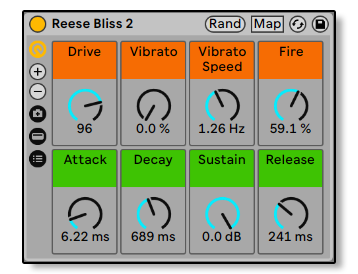
A Reese bass preset from Side Brain's Wavetable Presets Vol. 1
Master Limiter
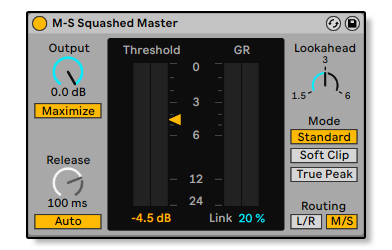
Custom Limiter preset for M/S clean master clipping
What's Included with this session
- 2+ hours of Ableton Certified Training Video
- Splice Ableton Project from Class
- Gate Slicing Template
- Relative Keys Max for Live Device
- Track Numbers Max for Live Device
- Granular Slicer Instrument Rack
- Break Bus Driver Audio Effect Rack
- Reese Bliss Instrument Rack
- Master Limiter Preset
- PDF with a list of Splice tips & tricks, tools and tutorials
ABOUT THE INSTRUCTOR
Yeuda Ben-Atar, a world renowned Ableton Certified Trainer, hails from Los Angeles, California. Originally from Israel, Yeuda’s passion for music led him to the United States, where he discovered his true calling with Ableton Live in 2007, embarking on a journey of mastery.
He approaches Ableton in a unique way; producing and performing with video game controllers under the moniker Side Brain.
One of Yeuda’s most remarkable qualities is his exceptional knowledge and speed, combined with his unparalleled ability to explain complex concepts in a simple and engaging manner.
With years of experience as a music production instructor and educator, Yeuda has contributed his expertise to prestigious institutions throughout the United States, including USC, UCLA, UCSD, Colburn Music School, Berkley School of Music, Cal Arts, NAMM, Skywalker Sounds, Bedrock LA, Sonos Studios, Sweetwater Headquarters, 1500 or Nothing studios, Grammy U, Pensado’s Place, Vintage King, Museum of Making Music, Lynda.com (now known as Linkedin Learning), and Perfect Circuit Audio, among many others.
His projects have included working with and teaching artists such as Timbaland, Ludacris, Lavel Kali(Beyonce, Drake) DJ Numark and Jurassic 5, Beck, Skrillex, Flying Lotus, Ed Sheeran, Rick Rubin, Giorgio Moroder, Simi, Bootie Brown (Pharcyde), Dave Pensado, Madison Mcferrin and countless others.

Making Music with Splice
Access to full class video + session downloads
This session will focus on:
- How to Make Original Music with Splice
- Stem Separation
- Gate Slicing
- Loop Blending
- Managing The Splice Library
- Key Matching
- Voice Cloning
- Live 12.3 Splice Integration Tips & Tricks
- INCLUDED: Ableton Project from Class
- INCLUDED: Gate Slicing Template
- INCLUDED: Relative Keys Max for Live Device
- INCLUDED: Track Numbers Max for Live Device
- INCLUDED: Granular Slicing Instrument Rack
- INCLUDED: Master Limiter Preset
*Latest Version of Ableton Suite (12.3 or up) is required
$25.00