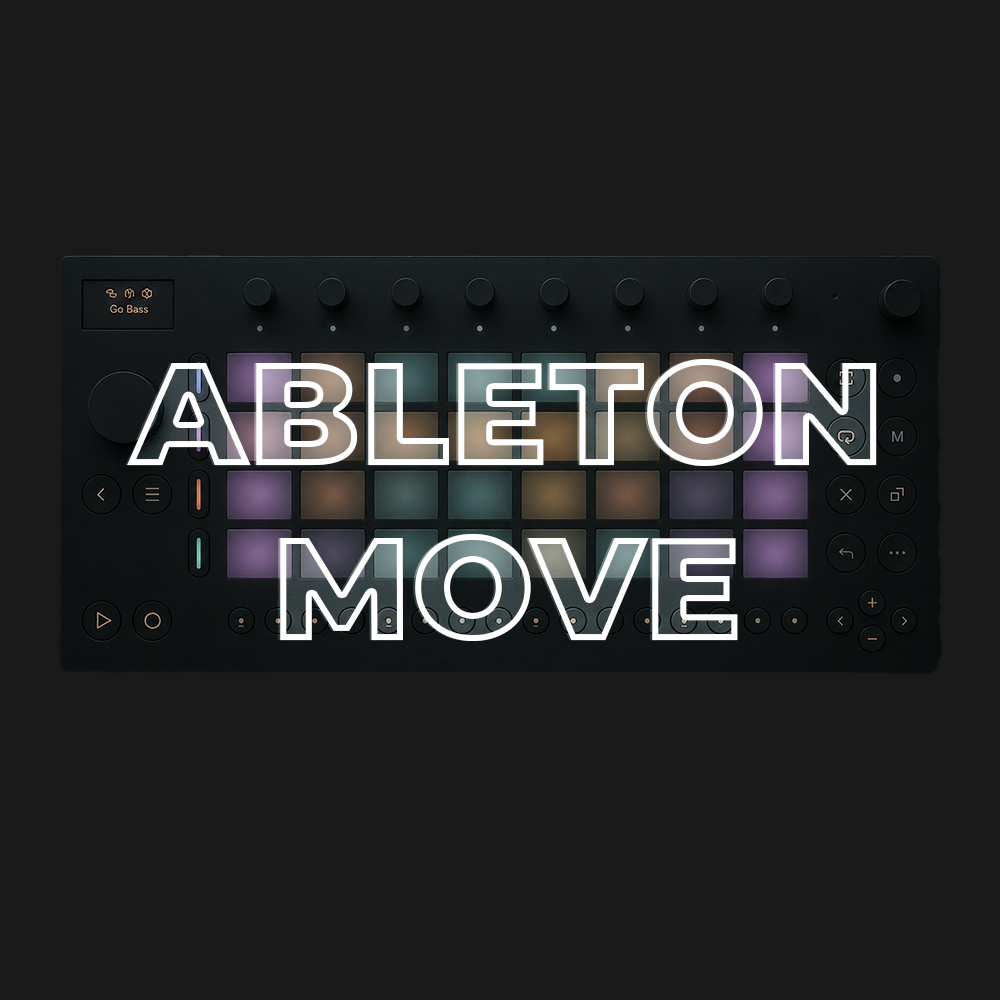
Ableton Move
Access to full class video + session downloads
This session will focus on:
- How to Ableton Move
- Sequencing Techniques
- Instruments & Effects
- Sampling & Chopping
- Link Audio
- Going beyond with Schwung (Move Everything)
- RNBO Takeover Mode
- INCLUDED: Ableton Move Cheat Sheet PDF
$25.00
First 20 minutes from class
Ableton Move Overview
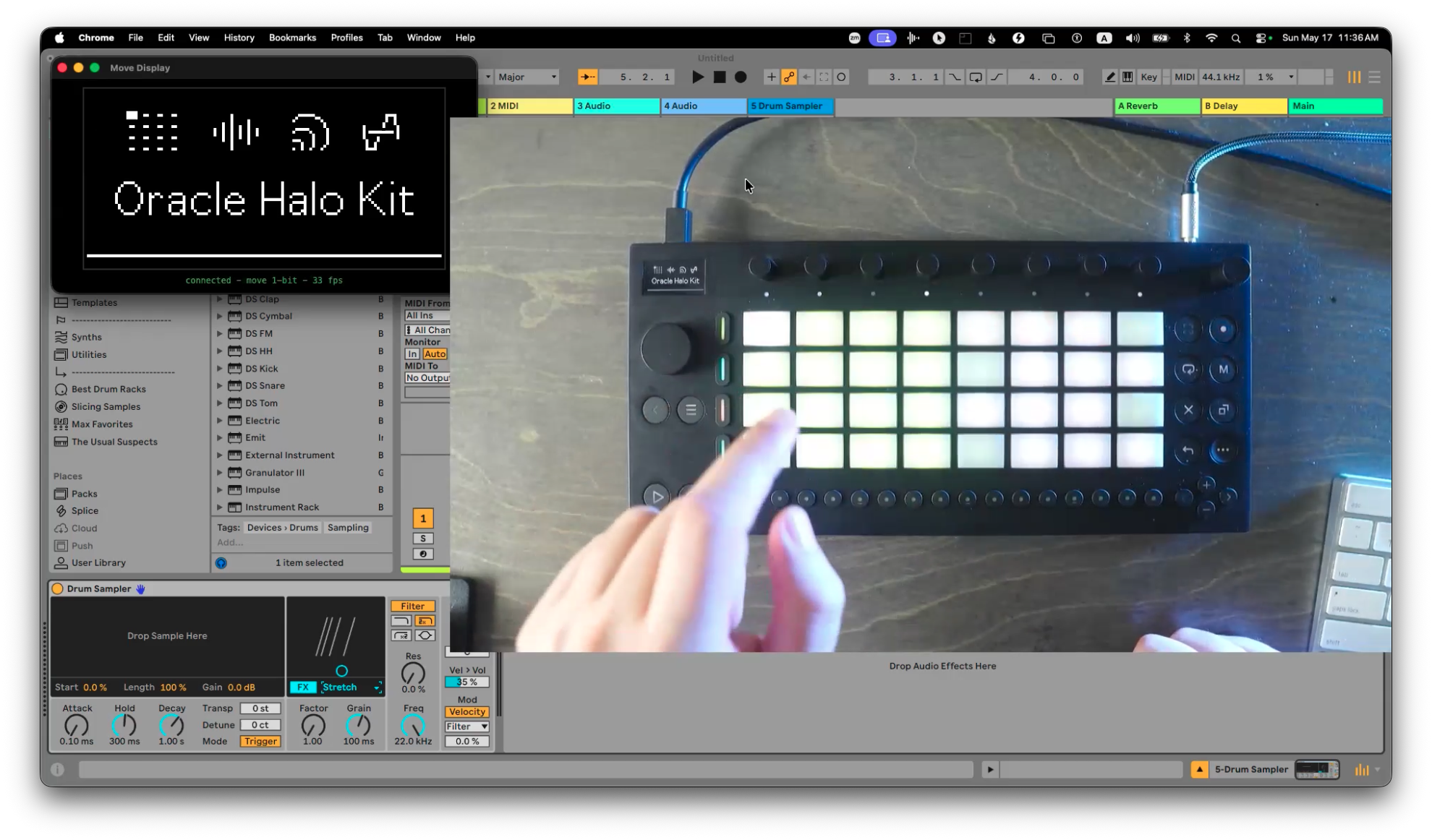
In this workshop, we break down how to make music with Ableton Move, from the built in workflow to the more advanced ways you can push it further.
Ableton Move is a powerful portable music making machine, but it works differently from Ableton Live, Push, or a traditional groovebox. The goal of this workshop is to help you understand how Move thinks, how to move around quickly, and how to turn ideas into finished loops, sketches, and songs without getting stuck.
We’ll explore the core Move workflow, including sequencing, instruments, effects, sampling, chopping, audio tracks, and creative performance techniques. Whether you are brand new to Move, still trying to understand it, or looking for deeper tricks, this session will help you feel more confident and creative with the device.
This workshop is also about going beyond the built in features.
We’ll look at Schwung, formerly Move Everything, which unlocks deeper control and extra creative possibilities for Move. We’ll also explore RNBO Takeover Mode, which opens the door to custom instruments, effects, visuals, and experimental patches built specifically for Move.
You’ll also get the included Ableton Move Cheat Sheet PDF, with shortcuts, hidden commands, and workflow tips you can keep next to you while using the device.
How to Ableton Move
Learn the core workflow of Move, including how to start ideas, navigate the device, build clips, use tracks, and understand the overall creative flow.
Sequencing Techniques
Explore step sequencing, note entry, clip creation, pattern building, automation, variation, and ways to make your loops feel more alive.
Instruments & Effects
Learn how to use Move’s built in instruments and effects more creatively, including sound design, performance controls, and shaping ideas directly on the device.
Sampling & Chopping
Use Move as a sampling instrument. We’ll cover recording, chopping, slicing, resampling, building drum kits, and turning sounds into playable musical ideas.
Link Audio
Learn how audio works on Move, including how to bring in external sound, use audio tracks, process incoming audio, and connect Move with other gear or Ableton Live.
Going Beyond with Schwung
Explore Schwung, formerly Move Everything, and see how it expands what Move can do with deeper sequencing, performance tools, and added functionality.
RNBO Takeover Mode
Learn what RNBO Takeover Mode is, how it works, and how it can turn Move into a platform for custom instruments, effects, visuals, and experimental creative tools.
This session is beginner friendly, but we’ll go deep. Whether you just got Move, are thinking about getting one, or already use it and want to unlock more of its potential, you’ll leave with practical techniques for creating faster, sequencing better, sampling more creatively, and pushing Ableton Move beyond its default workflow.
What's Included with this session
- 2+ hours of Ableton Certified Training Video
- PDF with a exclusive Ableton Move Cheat Sheets, Tips & Tricks and Links to Tools and Move Sample/Preset Packs
ABOUT THE INSTRUCTOR
Yeuda Ben-Atar, a world renowned Ableton Certified Trainer, hails from Los Angeles, California. Originally from Israel, Yeuda’s passion for music led him to the United States, where he discovered his true calling with Ableton Live in 2007, embarking on a journey of mastery.
He approaches Ableton in a unique way; producing and performing with video game controllers under the moniker Side Brain.
One of Yeuda’s most remarkable qualities is his exceptional knowledge and speed, combined with his unparalleled ability to explain complex concepts in a simple and engaging manner.
With years of experience as a music production instructor and educator, Yeuda has contributed his expertise to prestigious institutions throughout the United States, including USC, UCLA, UCSD, Colburn Music School, Berkley School of Music, Cal Arts, NAMM, Skywalker Sounds, Bedrock LA, Sonos Studios, Sweetwater Headquarters, 1500 or Nothing studios, Grammy U, Pensado’s Place, Vintage King, Museum of Making Music, Lynda.com (now known as Linkedin Learning), and Perfect Circuit Audio, among many others.
His projects have included working with and teaching artists such as Timbaland, Ludacris, Lavel Kali(Beyonce, Drake) DJ Numark and Jurassic 5, Beck, Skrillex, Flying Lotus, Ed Sheeran, Rick Rubin, Giorgio Moroder, Simi, Bootie Brown (Pharcyde), Dave Pensado, Madison Mcferrin and countless others.

Ableton Move
Access to full class video + session downloads
This session will focus on:
- How to Ableton Move
- Sequencing Techniques
- Instruments & Effects
- Sampling & Chopping
- Link Audio
- Going beyond with Schwung (Move Everything)
- RNBO Takeover Mode
- INCLUDED: Ableton Move Cheat Sheet PDF
$25.00