
Ableton Live 13 was just announced and with it comes the new Looplet which is a 4 tapedeck granular looper which is caters towards the creation of grid-free drone / ambient / atmospheric loops and textures.
But because we have control over the speed and direction of each tape head we can now scratch samples inside Ableton Live!
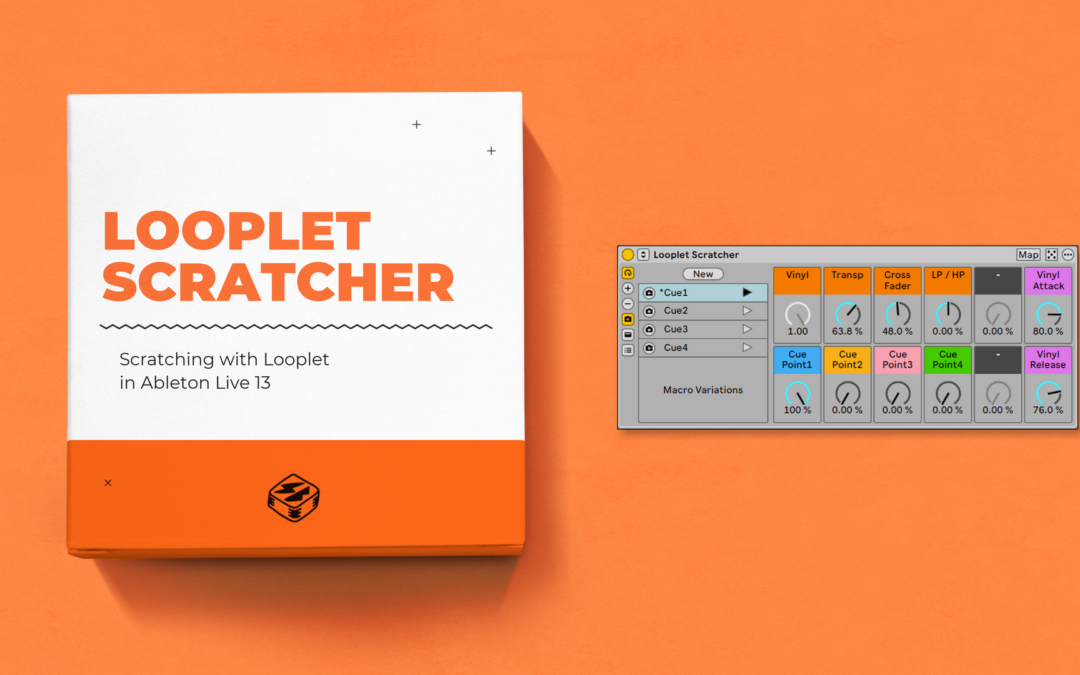
Looplet Scratcher is a free Instrument Rack that make it super fun and easy to scratch any audio you give it!
Check out the short demo HERE or Jump to the free download
SETUP
Drag the rack onto a MIDI track. Open Looplet inside the rack and drop your own vocal sample onto its waveform (or record your own with the capture section). Set the first playhead’s loop around a syllable you like. Turn up Cue Point1 and turn the other three down so you can hear that syllable on its own.
Arm the track and try these three notes, or draw them into a MIDI clip. You can also hit any note above C3 to trigger Looplet with out moving the Vinyl macro.
- C3 (68) | Vinyl. Press and release the note to work the sound back and forth. Try two short taps followed by a longer hold.
- B2 (69) | Retrigger. Jump back to the start of the loop. Use it to hit the same consonant twice.
- A2 (71) | Tape Stop. Hit it at the end of a phrase for a turntable-style stop.
MACROS
- Vinyl controls playback direction and speed across all four playheads. The Vinyl trigger moves this for you.
- Vinyl Attack and Vinyl Release shape how quickly the Vinyl movement responds when you press and release its trigger. Shorten the response for a tight chirp or lengthen it to hear the pitch bend.
- Transp transposes all four playheads together.
- Cross Fader adds rhythmic cuts. Change to move from 1/8 1/16 and 1/24 auto crossfader cuts or turn down all the way to turn off the auto-crossfader
- LP / HP sweeps the filters on all four playheads. Start in the middle and move in either direction to hear the low-pass and high-pass sides.
- Cue Point1 through Cue Point4 set the levels of Looplet’s four playheads. You can use the saved Macro Variations to jump between different cue points on your sample.
REQUIRMENTS
Ableton Live 13 Suite and Looplet (separate Live Pack download)
Installation
Unzip the download and drag Looplet Scratcher.adg onto a MIDI track. Hit the save button on the top right of the rack to save it to your User Library.
Download
The download contains the rack only. Bring your own sample. Enter $0 on Gumroad to download it free.
This rack is part of Composition Power Tools.