Composers Desktop Project
Access to full class video + session downloads
This session will focus on:
- How to Composers Desktop Project
- Rearranging Percussion
- Granular, Spectral, and Time-Stretched Effects
- Ear Candy
- Phase Vocoding
- Spectral Morphing and Cross Synthesis
- Creative Resampling Workflows
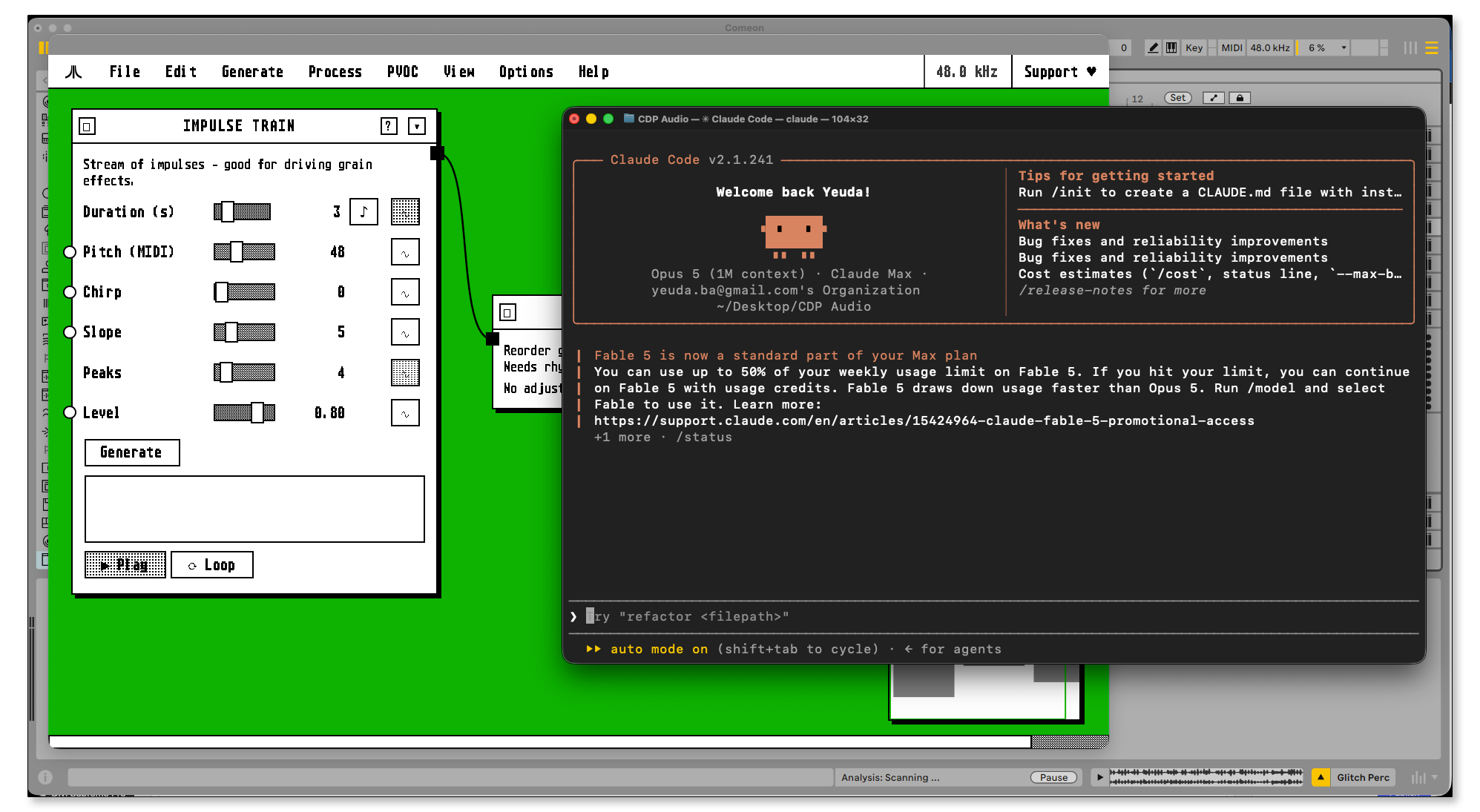
- AI Agent for CDP Processes
- INCLUDED: CDP Complete Visual Guide
- INCLUDED: CDP Unified Master Reference
- INCLUDED: CDP Agent Setup Guide
*No previous CDP experience required
$25.00
First 20 Minutes of the Class
Composers Desktop Project Overview
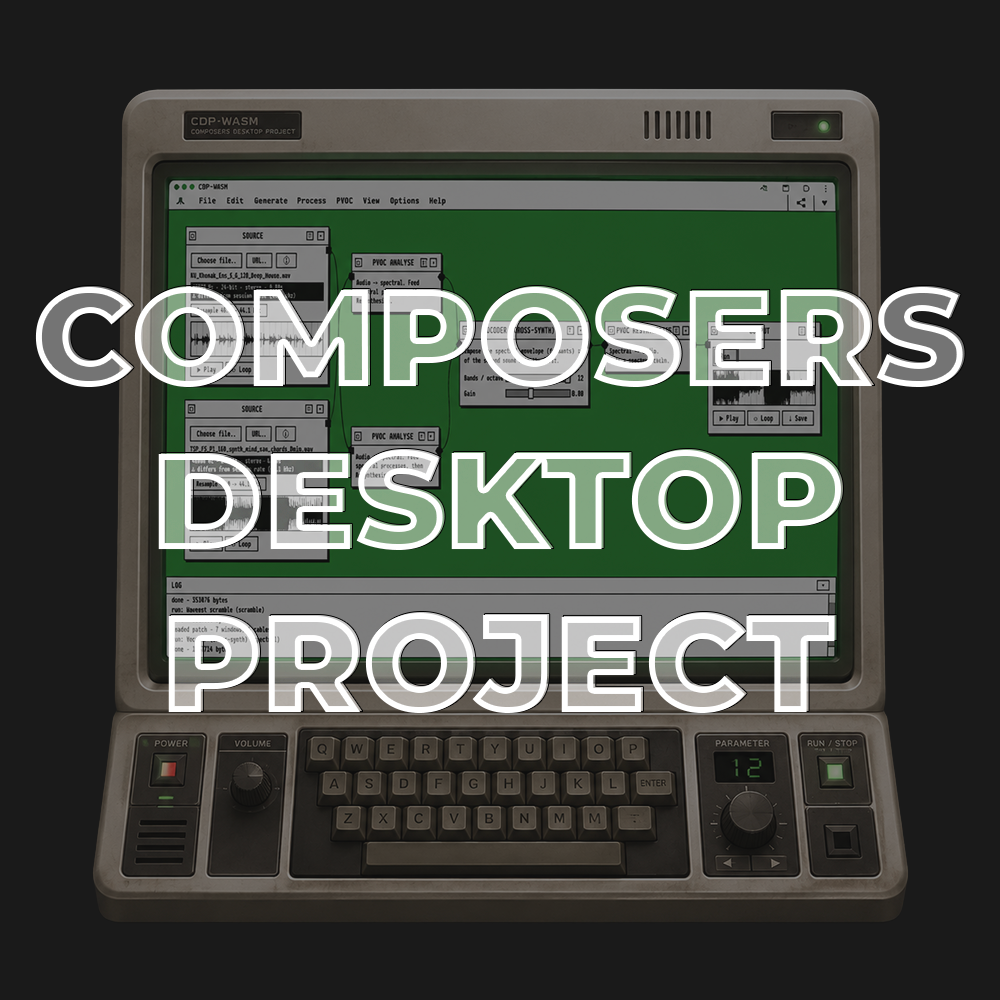
In this workshop, we’ll explore the Composers Desktop Project through the modern CDP WASM Suite, learning how to use its enormous collection of experimental sound-transformation tools in a practical, contemporary music-production workflow.
We’ll begin by exploring CDP’s history and unique approach to offline audio processing and navigating its hundreds of granular, spectral, waveset, time-stretching, and sound-manipulation processes. You’ll learn how to use the standalone CDP Web App to create processing chains, experiment with unfamiliar processes, and transform audio outside of a traditional DAW environment.
From there, we’ll bring CDP directly into Ableton Live using the Composer’s Desktop Extension and Plugin. You’ll learn how to process audio from the Session and Arrangement Views, return rendered results to your Live Set, and build fast resampling workflows that turn CDP’s experimental processes into practical production techniques.
We’ll use CDP to rearrange percussion, stretch and fragment recordings, create unusual cross synthesis and ear candy, transform the spectral character of sounds, and generate completely new material from existing audio. We’ll also explore how we can use plain English with an AI agent to ask it what to create with CDP processes, recommend tools for specific sound-design goals, explain unfamiliar parameters, and develop custom program ideas.
By the end of the workshop, you’ll understand how to confidently explore CDP, combine multiple processes into evolving sound-design chains, and integrate its more experimental capabilities into your own Ableton Live productions.
How to Use the Composers Desktop Project: Learn how CDP differs from conventional plug-ins, how its offline rendering workflow operates, and how to navigate the modern CDP Web App, connect processes, adjust parameters, preview results, and build reusable processing chains.
CDP and Ableton Live: Use the Composer’s Desktop Live Extension to process clips from Ableton Live’s Session and Arrangement Views, return rendered audio directly to your project, and incorporate CDP into an everyday production workflow.
Rearranging Percussion: Transform drum loops and rhythmic recordings by cutting, repeating, reversing, scrambling, stretching, and reorganizing their internal structure while preserving, or completely destroying the original groove.
Granular, Spectral, and Time-Stretched Effects: Break recordings into microscopic fragments, expose hidden textures, create extreme stretches, and produce detailed transformations that would be difficult to recreate with conventional effects.
Ear Candy: Generate fills, transitions, impacts, glitches, reversals, background textures, and unexpected sonic details that can add movement and personality to an arrangement.
Phase Vocoding: Learn how to use CDP’s phase-vocoder processes for analyzing and reconstructing sound, enabling extreme time stretching, spectral blurring, freezing, tracing, and other transformations that operate inside the frequency spectrum.
Spectral Morphing and Cross-Synthesis: Combine the spectral characteristics of different recordings to create hybrid sounds that inherit the timbre, movement, or frequency content of multiple sources.
Creative Resampling Workflows: Treat every rendered result as new source material. Learn how to audition variations, layer transformations, process sounds repeatedly, and build increasingly complex results through multiple generations of resampling.
AI Agent for CDP Processes: Use plain English to tell an AI agent which sound you want to manipulate and in what way.
No previous experience with CDP, spectral processing, or advanced sound-design theory is required. Each technique will be demonstrated step by step using the standalone CDP Web App and Ableton Live Extension, giving you practical workflows you can immediately apply to drums, vocals, instruments, field recordings, samples, and complete tracks.
CDP Visual Guide
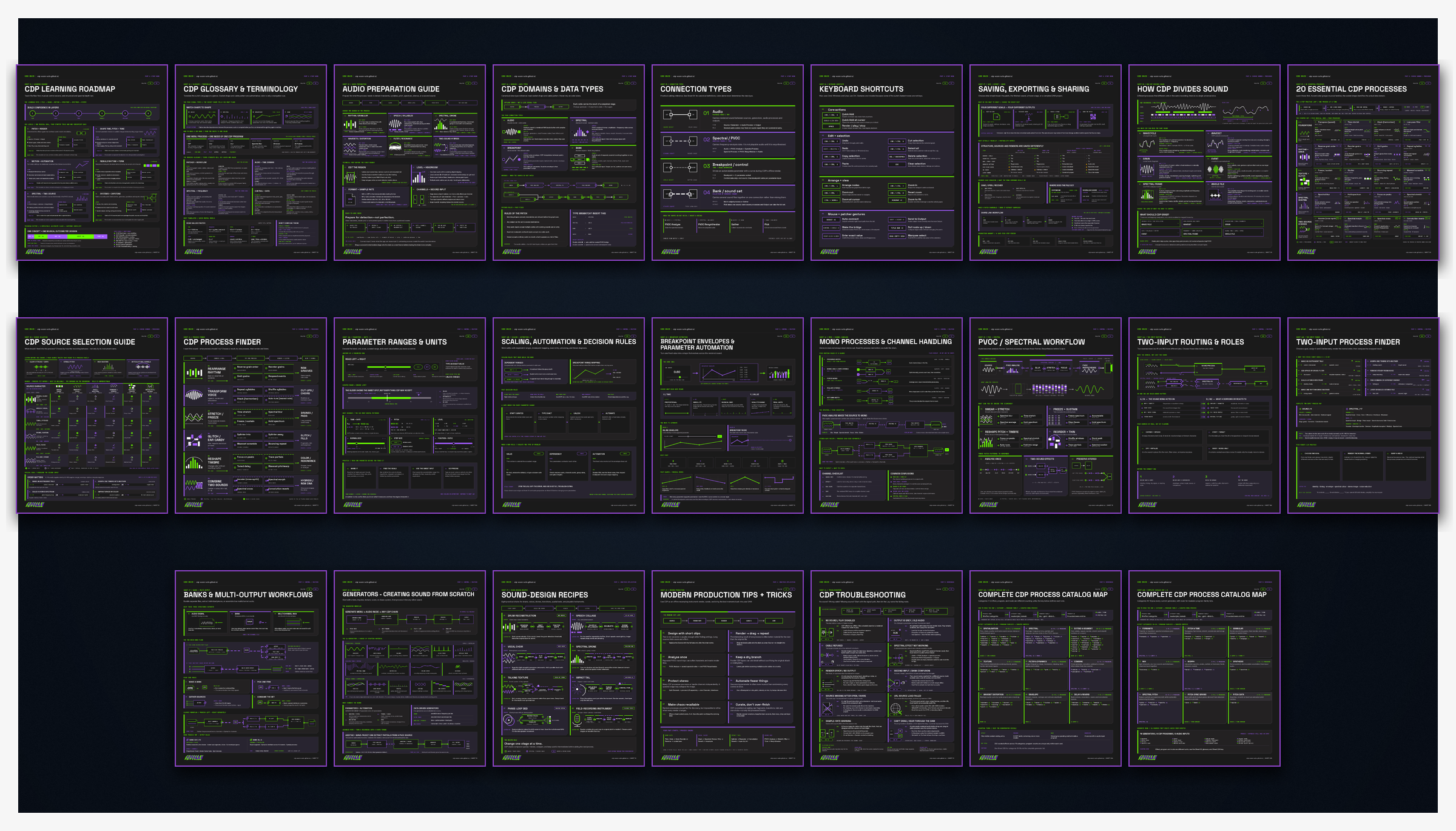
A 25-page visual guide to the CDP WASM Suite, designed to make its powerful sound-transformation tools easier to understand and use. It covers essential processes, audio preparation, spectral workflows, routing, parameter control, sound-design recipes, troubleshooting, and more.
Unified Master Reference
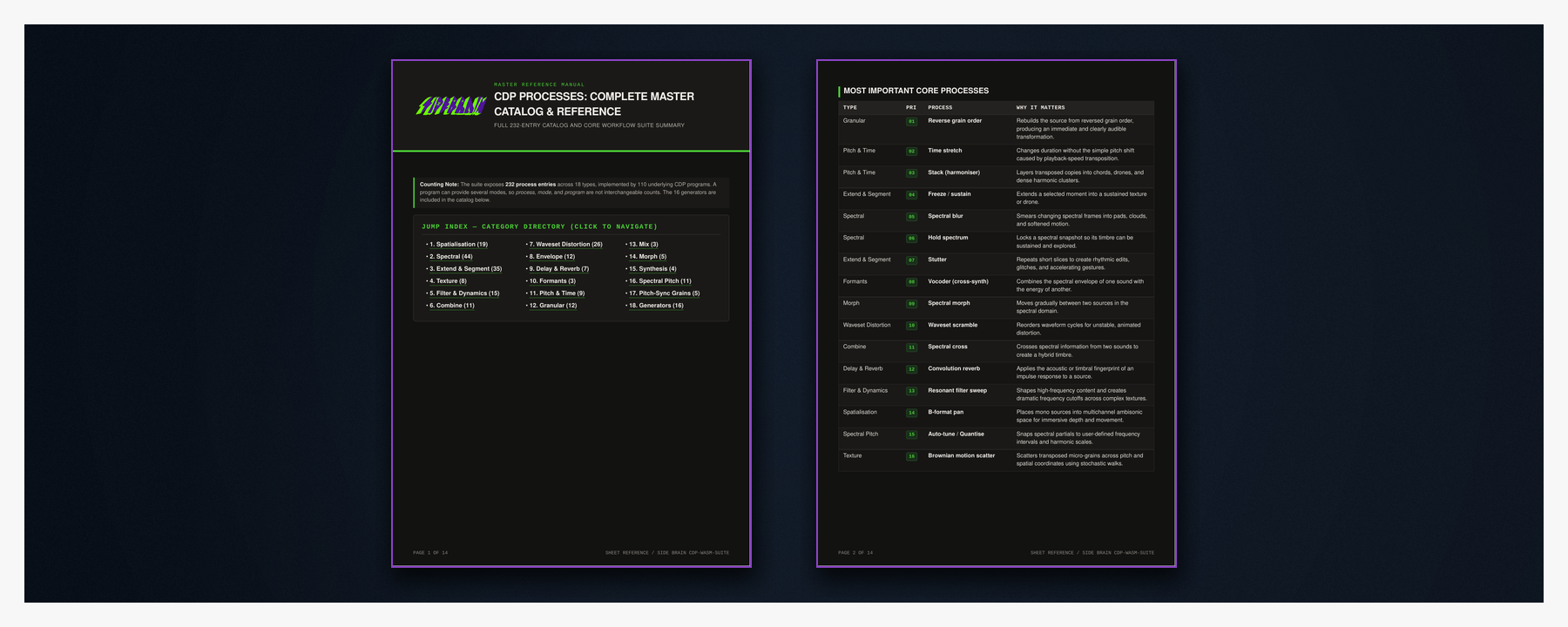
A complete reference to all 232 processes in the CDP WASM Suite, organized into 18 categories with clear one-line descriptions. It also highlights the most important core processes, making it easy to quickly find the right tool for any sound-design task.
Agent Setup Guide
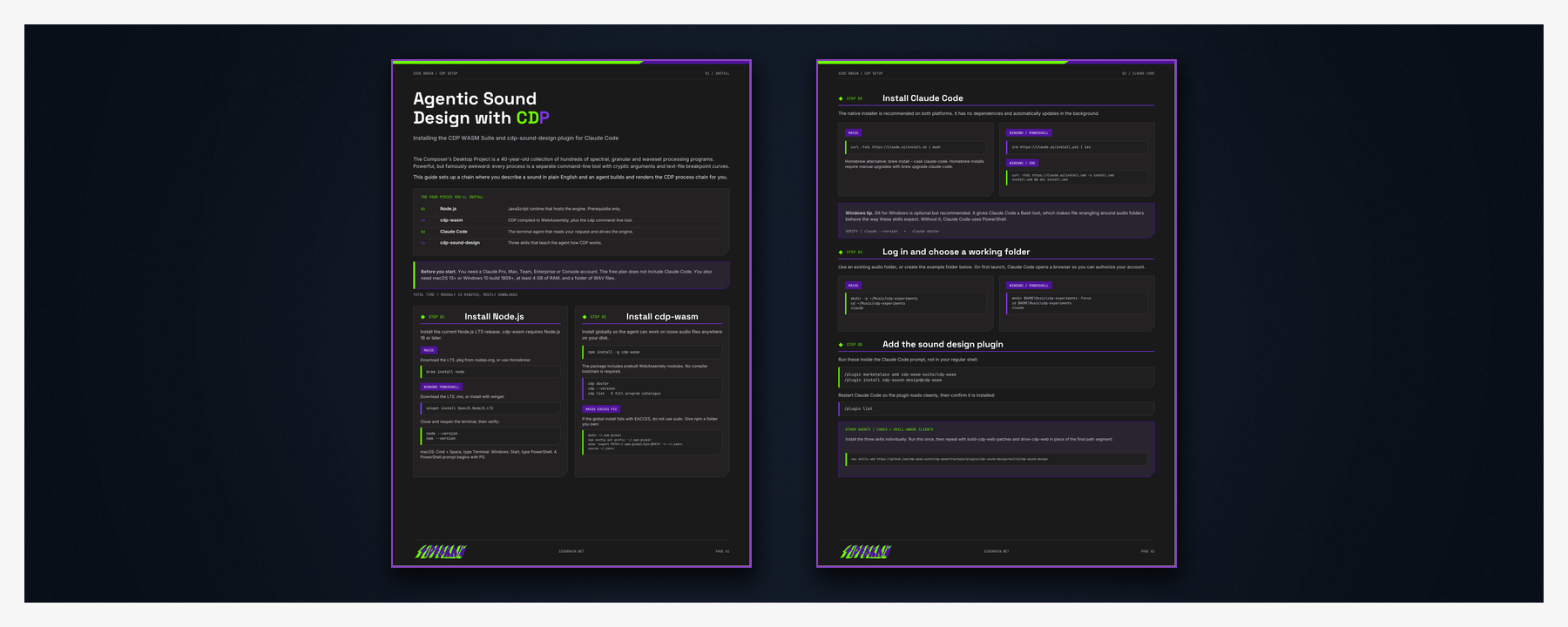
A step-by-step guide to setting up agentic sound design with the CDP WASM Suite. It covers installation for macOS and Windows, connecting the CDP Sound Design skills to Claude Code and other compatible agents, running your first sound-design session, and troubleshooting common setup problems.
What's Included with this session
- 2 hours of Ableton Certified Training Video
- CDP Complete Visual Guide
- CDP Unified Master Reference
- CDP Agent Setup Guide
- PDF with CDP Links, Best Modules, Categories and Where to Start
ABOUT THE INSTRUCTOR
Yeuda Ben-Atar, a world renowned Ableton Certified Trainer, hails from Los Angeles, California. Yeuda’s passion for music led him to the United States, where he discovered his true calling with Ableton Live in 2007, embarking on a journey of mastery.
He approaches Ableton in a unique way; producing and performing with video game controllers under the moniker Side Brain.
One of Yeuda’s most remarkable qualities is his exceptional knowledge and speed, combined with his unparalleled ability to explain complex concepts in a simple and engaging manner.
With years of experience as a music production instructor and educator, Yeuda has contributed his expertise to prestigious institutions throughout the United States, including USC, UCLA, UCSD, Colburn Music School, Berklee School of Music, Cal Arts, NAMM, Skywalker Sound, Bedrock LA, Sonos Studios, Sweetwater Headquarters, 1500 or Nothing studios, Grammy U, Pensado’s Place, Vintage King, Museum of Making Music, Lynda.com (now known as LinkedIn Learning), and Perfect Circuit Audio, among many others.
His projects have included working with and teaching artists such as Timbaland, Ludacris, Lavel Kali(Beyoncé, Drake) DJ Numark and Jurassic 5, Beck, Skrillex, Flying Lotus, Ed Sheeran, Rick Rubin, Giorgio Moroder, Simi, Bootie Brown (Pharcyde), Dave Pensado, Madison Mcferrin and countless others.

Composers Desktop Project
Access to full class video + session downloads
This session will focus on:
- How to Composers Desktop Project
- Rearranging Percussion
- Granular, Spectral, and Time-Stretched Effects
- Ear Candy
- Phase Vocoding
- Spectral Morphing and Cross Synthesis
- Creative Resampling Workflows
- AI Agent for CDP Processes
- INCLUDED: CDP Complete Visual Guide
- INCLUDED: CDP Unified Master Reference
- INCLUDED: CDP Agent Setup Guide
*No previous CDP experience required
$25.00