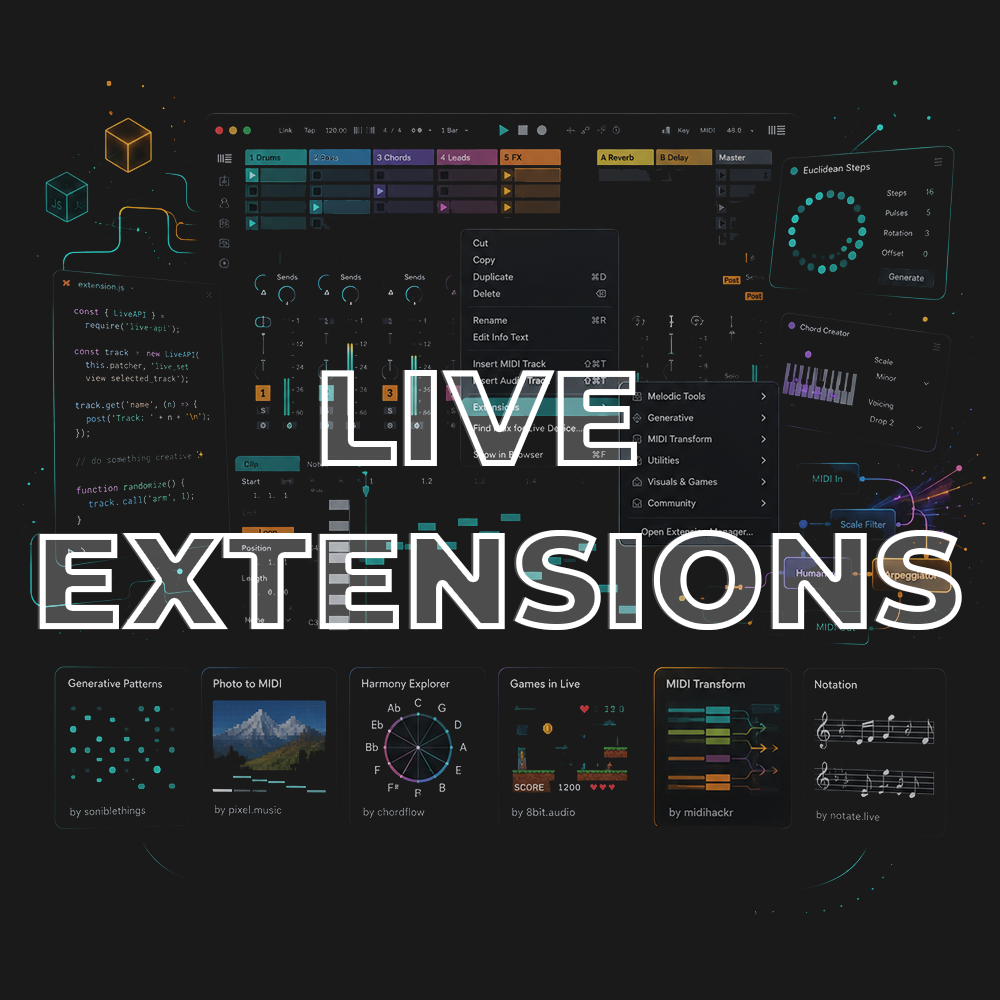
Live Extensions
Access to full class video + session downloads
This session will focus on:
- How to Live Extensions
- Installation & Setup
- Spectral Audio Editors
- MIDI Animated Generators
- Batch Utilities
- Embed Web Applications
- Improved Audio to MIDI Algorithms
- Drum Separators
- Vibe Coding Your Own Extensions
- INCLUDED: Styled Rhythm Generator
- INCLUDED: Klattsch Speech Synthesizer
*Latest Version of Ableton Suite is required
$25.00
First 20 minutes from class
Live Extensions Overview
In this workshop, we’ll explore the new world of Ableton Live Extensions, a new way to add custom tools, functions, and creative workflows directly inside Ableton Live using JavaScript and right-click context menus.
Live Extensions open the door to tools that go beyond traditional devices: spectral audio editors, animated MIDI generators, batch utilities, embedded web apps, improved audio-to-MIDI tools, drum separators, clip editors, workflow helpers, and creative assistants.
We’ll look at how to find, install, and use the best Extensions currently available, then explore how these tools can speed up your workflow, spark new ideas, and expand what Live can do.
We’ll also look at how to start vibe coding your own Extensions, even if you are not an experienced programmer.
How to Use Live Extensions
Learn what Live Extensions are, how they work, and how they expand Ableton Live beyond traditional devices.
Installation & Setup
Find, install, and manage Live Extensions.
Spectral Audio Editors
Explore new audio editing tools that can analyze, transform, and reshape sound in creative ways.
MIDI Animated Generators
Use visual and interactive MIDI tools to generate rhythms, melodies, patterns, and musical ideas.
Batch Utilities
Speed up repetitive tasks like editing clips, renaming, organizing, processing, and managing projects.
Embed Web Applications
See how web-based tools and interfaces can live directly inside Ableton Live.
Improved Audio to MIDI Algorithms
Explore new approaches for turning audio into MIDI with more creative and musical results.
Drum Separators
Look at tools that separate drums and stems for remixing, editing, and rebuilding grooves.
Vibe Coding Your Own Extensions
Learn how AI coding tools can help turn a simple idea into a working Live Extension.
This session is beginner-friendly, but the possibilities go deep. Whether you’re a producer, performer, sound designer, educator, or Ableton user curious about the future of Live, you’ll leave with a clear understanding of what Live Extensions are, how to use them, and how to start creating your own.
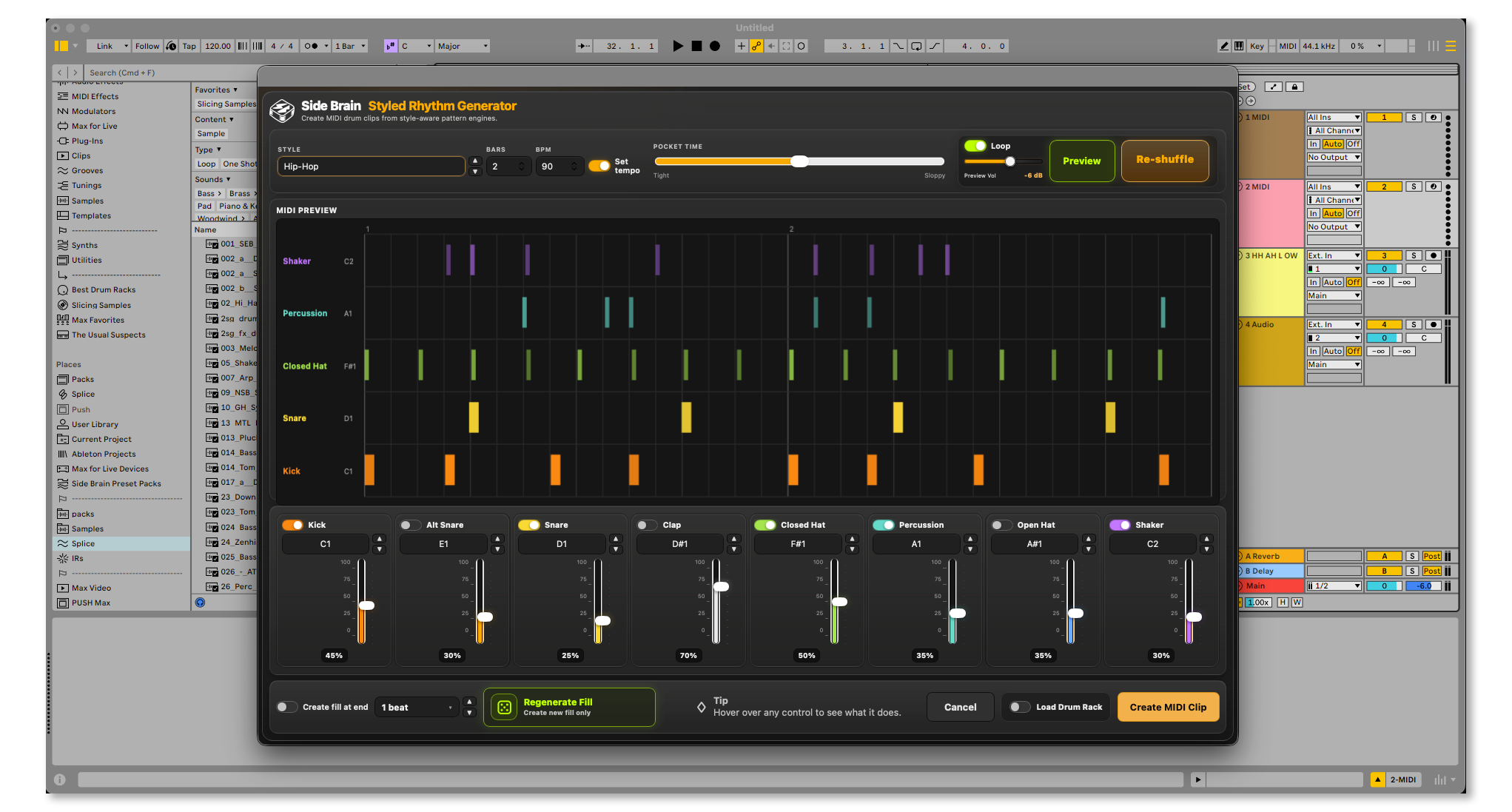
Styled Rhythm Generator
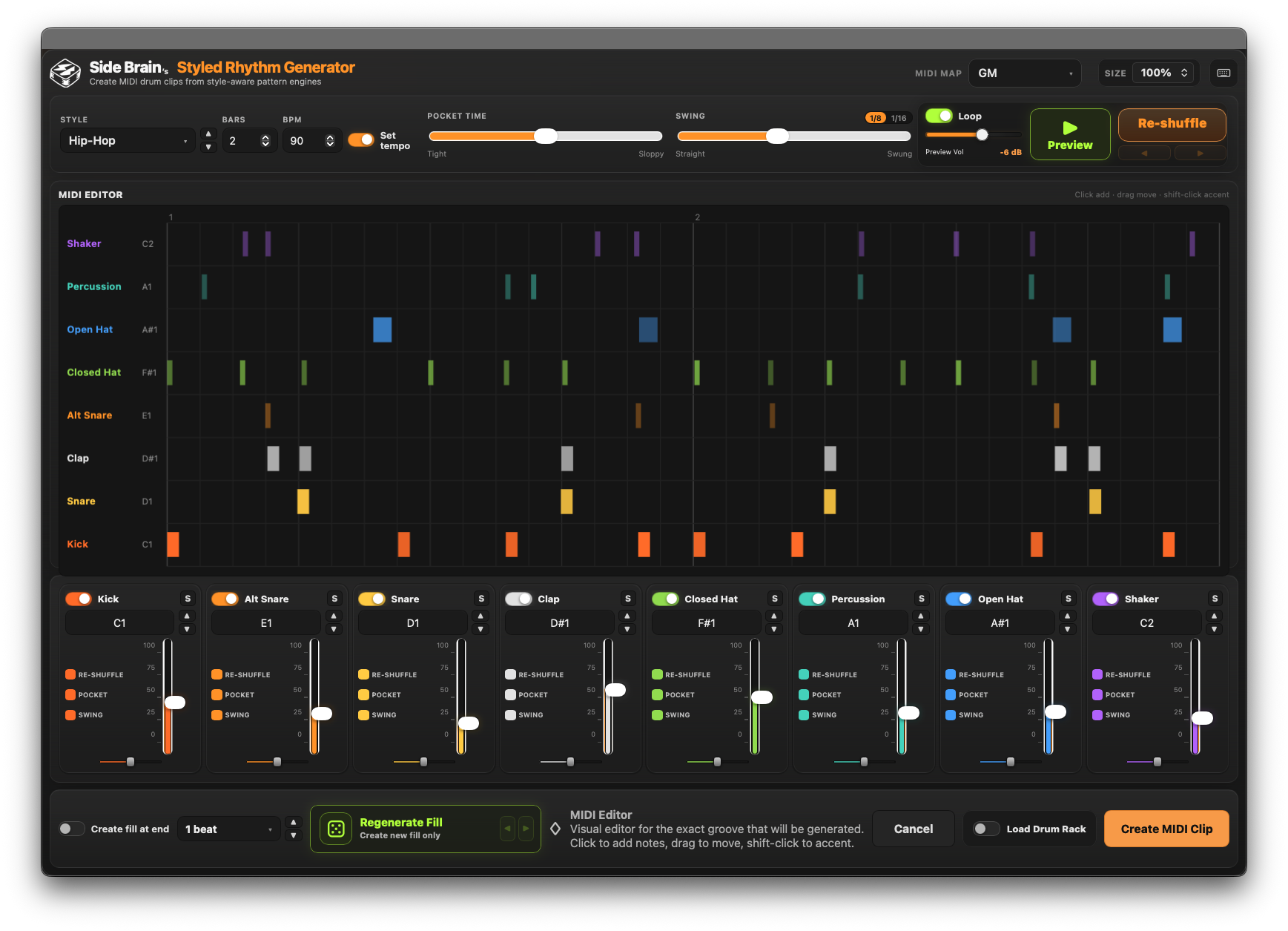
An exclusive Ableton Live Extension for quickly creating drum patterns in different styles.
Each style includes a matching Drum Rack kit, giving you a strong starting point for finding and shaping the right sounds.
Create patterns using 8 drum elements, each with density control, custom MIDI note mapping, pocket timing, swing system, MIDI Editor and a built-in fill generator.
16 Drum Styles:
- Afrobeats
- Brazilian Funk
- Breakbeat
- Dancehall
- Drum & Bass
- Footwork / Juke
- Hip Hop
- House
- Jersey Club
- Reggae / Dub
- Reggaeton
- Soul / RnB
- Techno
- Trap
- UK Drill
- UK Garage / 2 Step
Klattsch Speech Synthesizer
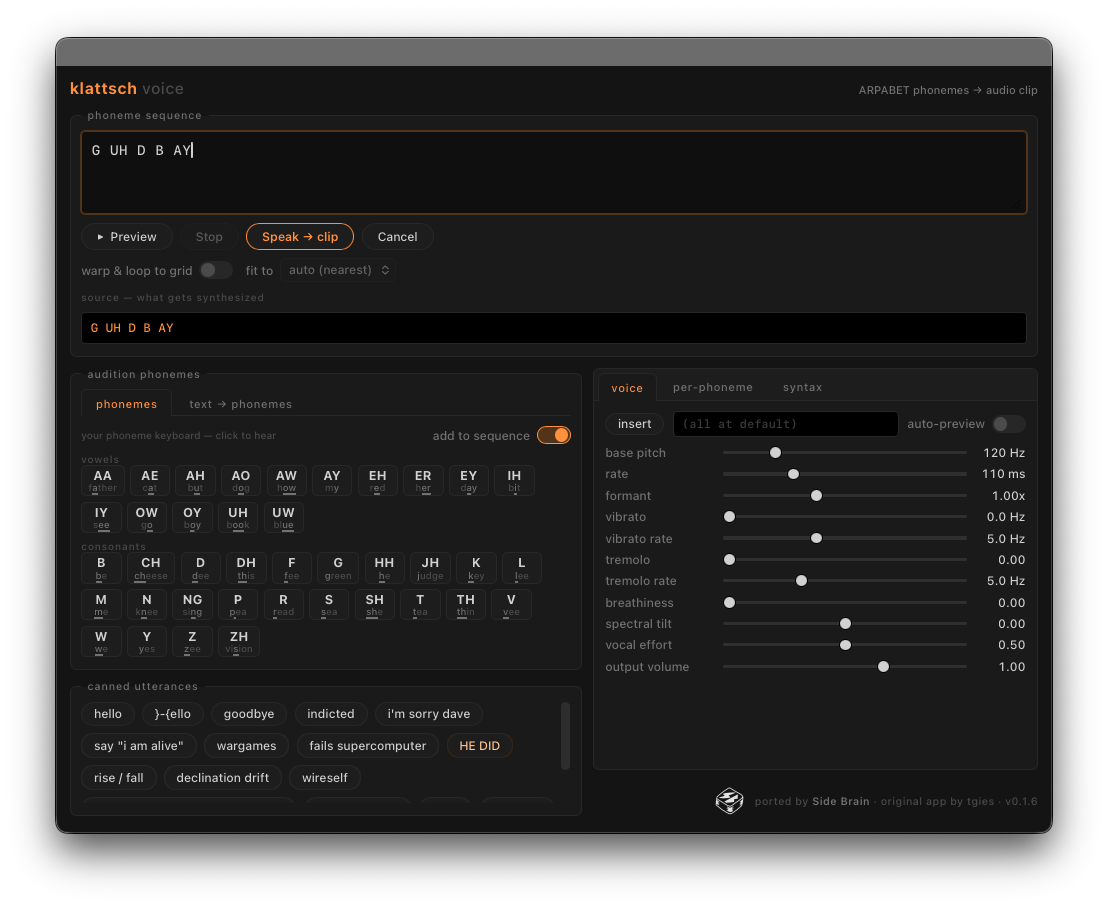 An exclusive Ableton Live Extension port of the Klattsch speech synthesizer.
Along with the original Klattsch features, this extension adds new Ableton-focused tools:
- Translator — write in plain English and convert it into synth-ready speech material
- Auto-Warp + Loop — automatically warp and loop the generated audio clip output
- Per-Phoneme Articulation — shape individual phonemes for more expressive speech synthesis
Session View Right-Click Triggers:
Audio Track Title
Empty Audio Clip Slot
Arrangement View Right-Click Trigger:
Audio Track Arrangement Timeline
What's Included with this session
- 2 hours of Ableton Certified Training Video
- Styled Rhythm Generator Live Extension
- Klattsch Speech Synthesizer Live Extension
- PDF with a list of extensions download resources, coding guides, best extensions categorized!
ABOUT THE INSTRUCTOR
Yeuda Ben-Atar, a world renowned Ableton Certified Trainer, hails from Los Angeles, California. Originally from Israel, Yeuda’s passion for music led him to the United States, where he discovered his true calling with Ableton Live in 2007, embarking on a journey of mastery.
He approaches Ableton in a unique way; producing and performing with video game controllers under the moniker Side Brain.
One of Yeuda’s most remarkable qualities is his exceptional knowledge and speed, combined with his unparalleled ability to explain complex concepts in a simple and engaging manner.
With years of experience as a music production instructor and educator, Yeuda has contributed his expertise to prestigious institutions throughout the United States, including USC, UCLA, UCSD, Colburn Music School, Berkley School of Music, Cal Arts, NAMM, Skywalker Sounds, Bedrock LA, Sonos Studios, Sweetwater Headquarters, 1500 or Nothing studios, Grammy U, Pensado’s Place, Vintage King, Museum of Making Music, Lynda.com (now known as Linkedin Learning), and Perfect Circuit Audio, among many others.
His projects have included working with and teaching artists such as Timbaland, Ludacris, Lavel Kali(Beyonce, Drake) DJ Numark and Jurassic 5, Beck, Skrillex, Flying Lotus, Ed Sheeran, Rick Rubin, Giorgio Moroder, Simi, Bootie Brown (Pharcyde), Dave Pensado, Madison Mcferrin and countless others.

Live Extensions
Access to full class video + session downloads
This session will focus on:
- How to Live Extensions
- Installation & Setup
- Spectral Audio Editors
- MIDI Animated Generators
- Batch Utilities
- Embed Web Applications
- Improved Audio to MIDI Algorithms
- Drum Separators
- Vibe Coding Your Own Extensions
- INCLUDED: Styled Rhythm Generator
- INCLUDED: Klattsch Speech Synthesizer
*Latest Version of Ableton Suite is required
$25.00