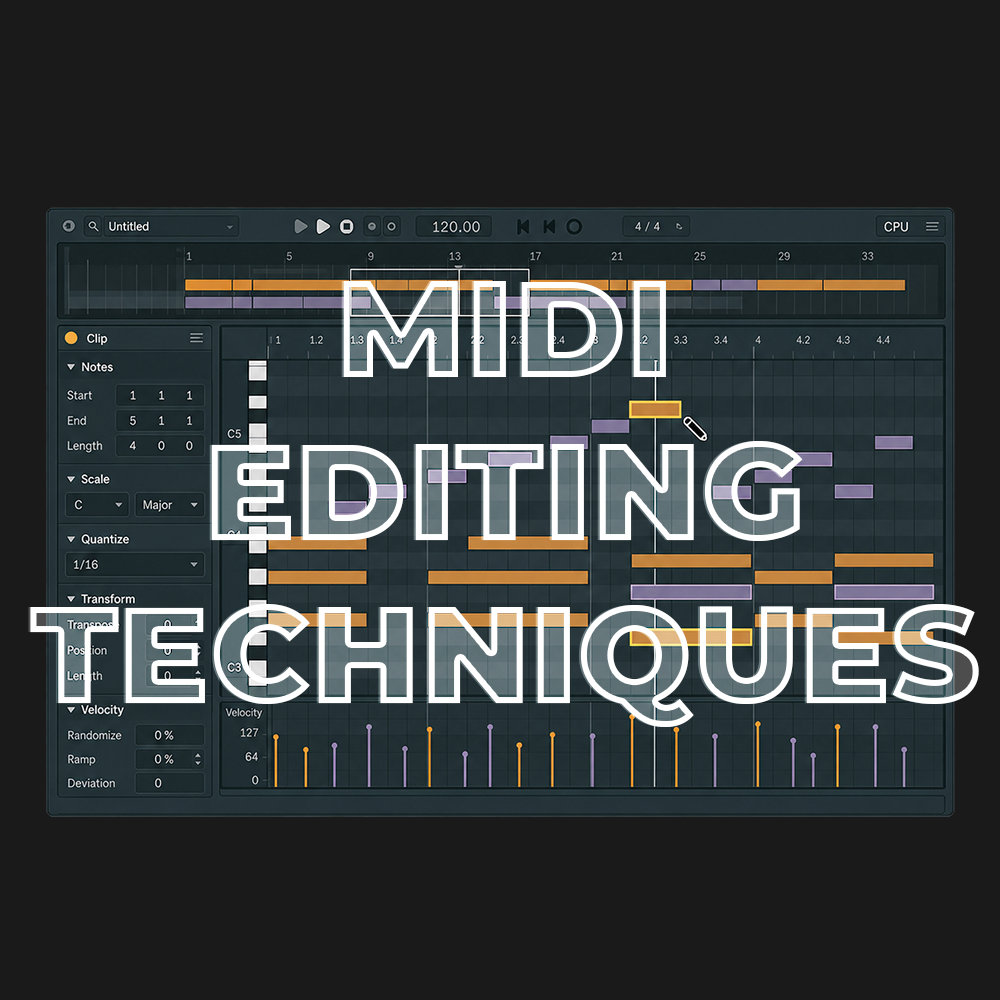
MIDI Editing Techniques
Access to full class video + session downloads
This session will focus on:
-
- How to MIDI Editing Techniques
- Essential Shortcuts
- Hidden Mechanisms
- Programming Drums with the Keyboard Only
- MIDI Search Tricks
- Speed Editing
- Humanization
- Black MIDI
- INCLUDED: Keyboard Shortcuts Max for Live Device
- INCLUDED: Blackout MIDI Transformation Tool
*Latest Version of Ableton Suite is required
$25.00
First 20 Minutes from Class
MIDI Editing Techniques Overview
Mastering your instrument can help you reach a flow state in a matter of seconds. No thinking, just doing. Can MIDI editing feel the same way? I would argue yes.
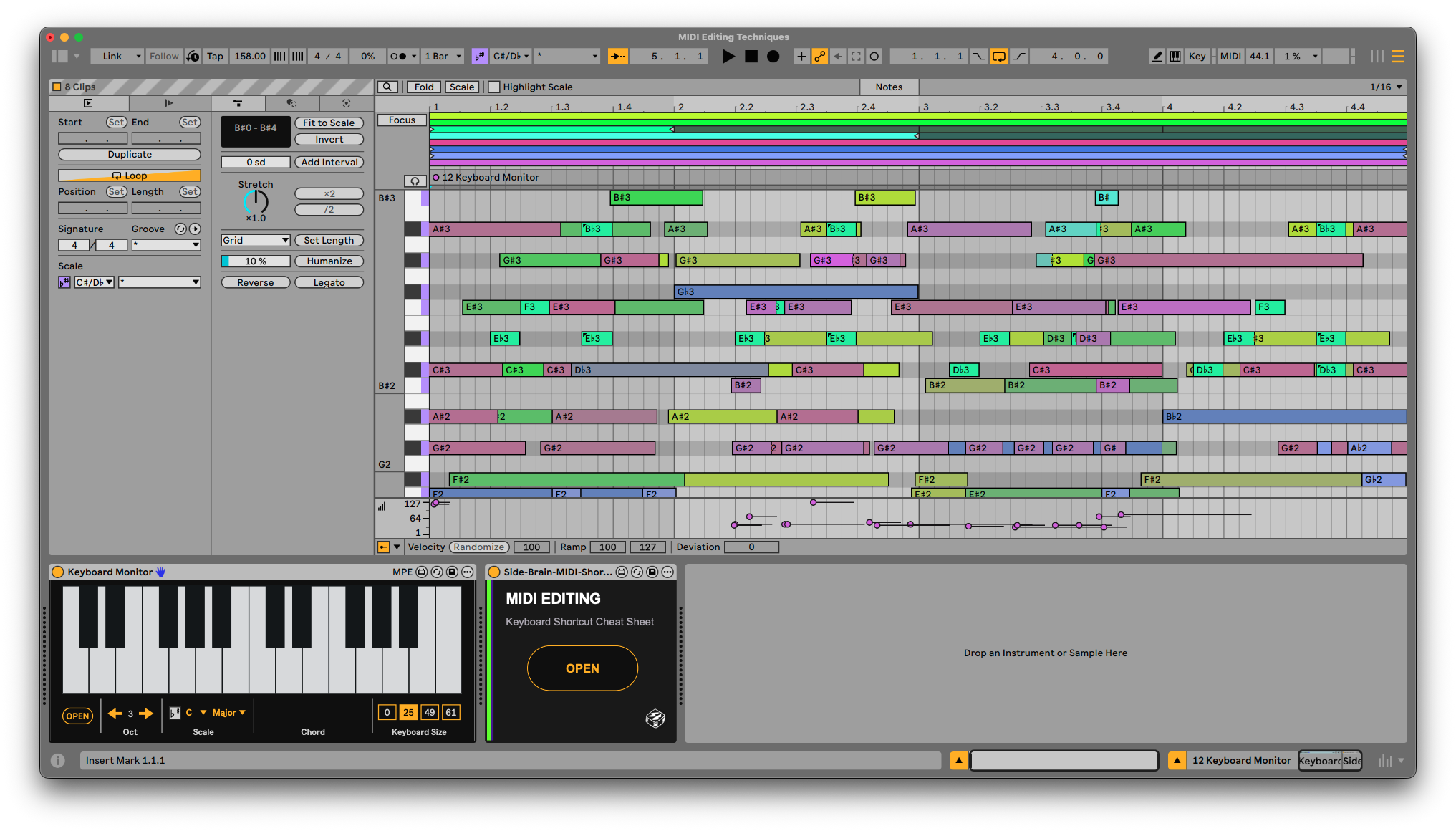
In this session, we’ll work directly inside Ableton Live’s MIDI editor, exploring the shortcuts, hidden features, and unexpected techniques that make editing faster and your patterns more expressive. From programming drums with only your keyboard to creating dense Black MIDI arrangements, we’ll turn everyday editing into part of the creative process.
Whether you’re writing drums, melodies, chords, or basslines, these techniques will help you spend less time clicking around and more time developing your ideas.
MIDI Editing Fundamentals Build a more confident workflow for creating and shaping MIDI patterns. Explore note selection, placement, length, velocity, and navigation, with practical techniques you can apply to any instrument or genre.
Essential Shortcuts Learn the keyboard shortcuts that make a real difference in everyday production. Move, duplicate, resize, and select notes quickly, keeping your attention on the music as you edit.
Hidden Mechanisms Uncover easily overlooked features and editing behaviors inside Ableton Live’s MIDI editor. Explore how modifier keys, selection methods, and grid settings open up new ways to manipulate your notes.
Programming Drums with the Keyboard Only Build and edit drum patterns without constantly reaching for the mouse. Navigate between drum sounds, enter notes, and shape rhythms through a workflow that starts to feel like playing an instrument.
MIDI Search Tricks Explore ways to find and audition sounds while developing MIDI patterns. Use search shortcuts to keep the process moving as you try different sounds against your musical ideas.
Speed Editing Combine shortcuts and editing techniques into practical workflows for making variations, cleaning up clips, and adding melodic movement. Learn how a few quick edits can take a basic pattern in a new direction.
Humanization Give programmed parts a more natural feel through intentional changes in timing, velocity, and note length. Explore controlled randomization and techniques for adding realism while preserving the groove.
Black MIDI Explore the creative possibilities of dense, layered MIDI patterns. Turn simple source material into cascading notes, intricate rhythms, and unexpected textures, including a look at the Blackout MIDI Transformation Tool.
This workshop is beginner-friendly, with plenty of hidden tricks for experienced producers. We’ll break down each technique visually inside Ableton Live so you can immediately apply it to your own music.
MIDI Editing Floating Cheat Sheet
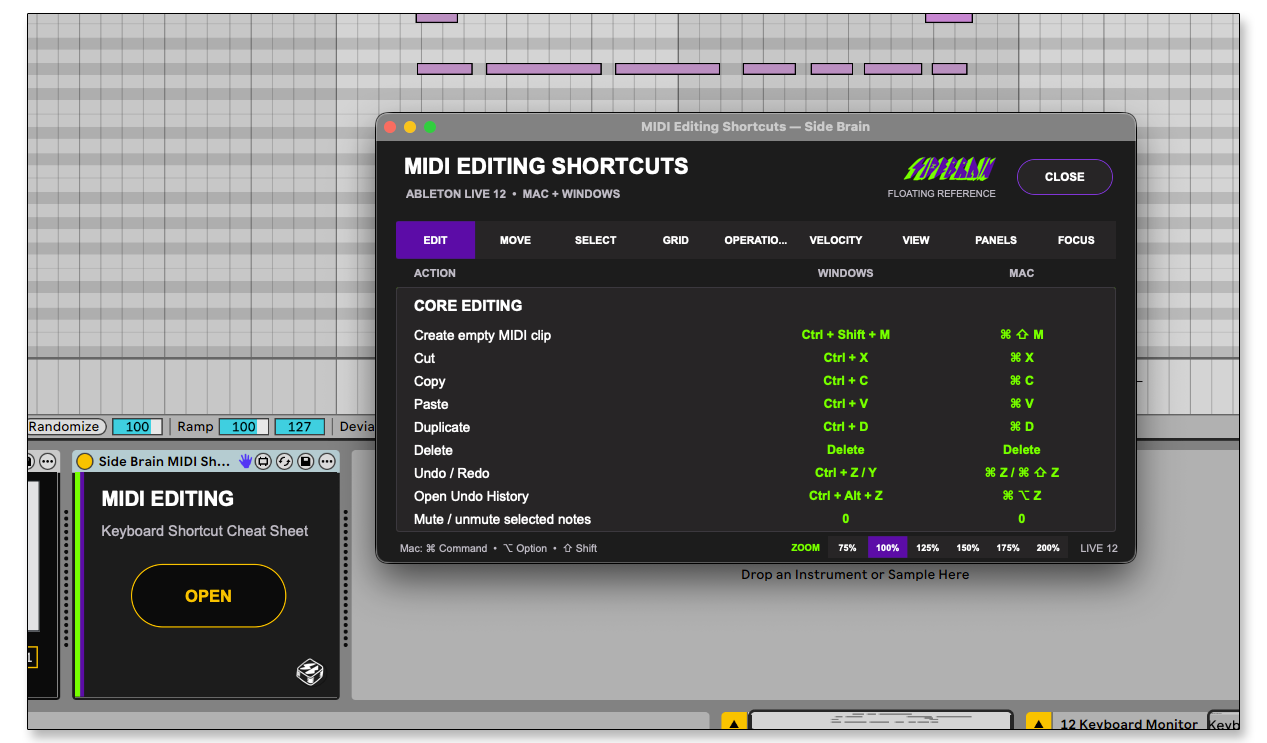
Included with this workshop is a Max for Live MIDI Editing Keyboard shortcuts cheat sheet utility, keep essential Ableton Live MIDI shortcuts within reach with this included Max for Live device. Its compact, floating, resizable cheat sheet helps you quickly reference editing, selection, navigation, grid, velocity, and view shortcuts without leaving Live.
Blackout MIDI Transformation Tool
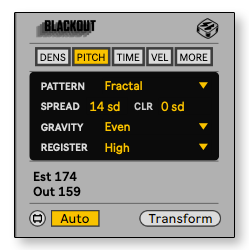
Another exclusive tool included with the workshop, BLACKOUT transforms simple MIDI ideas into dense, intricate note patterns inspired by the Black MIDI subculture. Shape the density, pitch range, rhythm, timing and velocity to create everything from detailed melodic textures to complete MIDI chaos. More Info HERE.
What's Included with this session
- 2+ hours of Ableton Certified Training Video
- MIDI Editing Shortcuts Floating Cheat Sheet Max for Live Device
- Blackout Black MIDI Transformation Tool
- PDF essentials keyboard shortcuts
ABOUT THE INSTRUCTOR
Yeuda Ben-Atar, a world renowned Ableton Certified Trainer, hails from Los Angeles, California. Yeuda’s passion for music led him to the United States, where he discovered his true calling with Ableton Live in 2007, embarking on a journey of mastery.
He approaches Ableton in a unique way; producing and performing with video game controllers under the moniker Side Brain.
One of Yeuda’s most remarkable qualities is his exceptional knowledge and speed, combined with his unparalleled ability to explain complex concepts in a simple and engaging manner.
With years of experience as a music production instructor and educator, Yeuda has contributed his expertise to prestigious institutions throughout the United States, including USC, UCLA, UCSD, Colburn Music School, Berklee School of Music, Cal Arts, NAMM, Skywalker Sound, Bedrock LA, Sonos Studios, Sweetwater Headquarters, 1500 or Nothing studios, Grammy U, Pensado’s Place, Vintage King, Museum of Making Music, Lynda.com (now known as LinkedIn Learning), and Perfect Circuit Audio, among many others.
His projects have included working with and teaching artists such as Timbaland, Ludacris, Lavel Kali(Beyoncé, Drake) DJ Numark and Jurassic 5, Beck, Skrillex, Flying Lotus, Ed Sheeran, Rick Rubin, Giorgio Moroder, Simi, Bootie Brown (Pharcyde), Dave Pensado, Madison Mcferrin and countless others.

MIDI Editing Techniques
Access to full class video + session downloads
This session will focus on:
-
- How to MIDI Editing Techniques
- Essential Shortcuts
- Hidden Mechanisms
- Programming Drums with the Keyboard Only
- MIDI Search Tricks
- Speed Editing
- Humanization
- Black MIDI
- INCLUDED: Keyboard Shortcuts Max for Live Device
- INCLUDED: Blackout MIDI Transformation Tool
*Latest Version of Ableton Suite is required
$25.00