
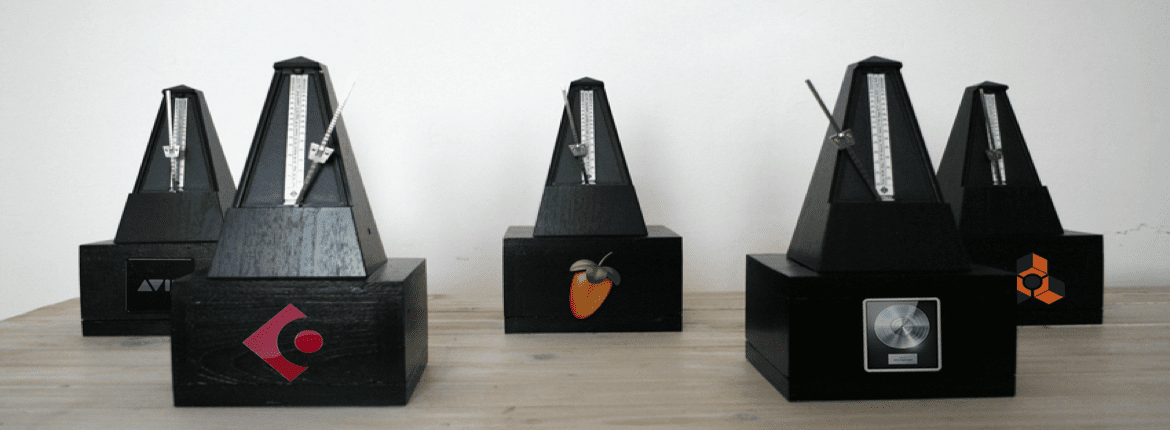
Ever wanted a different Metronome Sound in Ableton Live?
Here is a free collection of the metronome sounds from 7 Major DAWs and even one legendary sampler
– Cubase
– Logic
– Maschine
– Reason (Thanks to Mike Grimm)
– Sonar
Installation
Copy (COPY the file don’t MOVe the file) “MetrnomeUp.wav” and “Metronome.wav” files from the selected DAW folder to:
PC
C:\ProgramData\Ableton\Live x\Resources\Misc\Metronome\Samples\
Mac:
– Locate the Ableton Live app on your computer.
– Right Click and choose “Show Package Contents” and copy the samples here:
Contents/App-Resources/Misc/Metronome/Samples/
Overwrite when prompt.
If you run into any problems you can copy the metronome sounds from the Ableton Live (DEFAULT) folder to reset the metronome sound to Live’s factory default.
*Note that you will have to restart Live to hear the new Metronome sound
Download link is broken.
Works on my end. Can you verify it still doesn’t work?
TANX
not free at all
Put 0 for the amount
great. thanx a lot
tanx
You’re welcome
Thanks for these!
You got it!
THANK YOU A MILLION TIMES! Couldn’t record anything on time with Ableton’s standard click sound. This settled the problem!
Glad you like!
Thanks mate. Surprisingly useful to have your old DAW’s sound when you’re learning a new one.